
AI Authoring · August 14, 2026
Three doors to AI learning content authoring (and which one your team should walk through)
 Deborah Boccongelle · August 14, 2026 · Chief Revenue Officer
Workplace Learning, Unlearned · Part 2 of 9
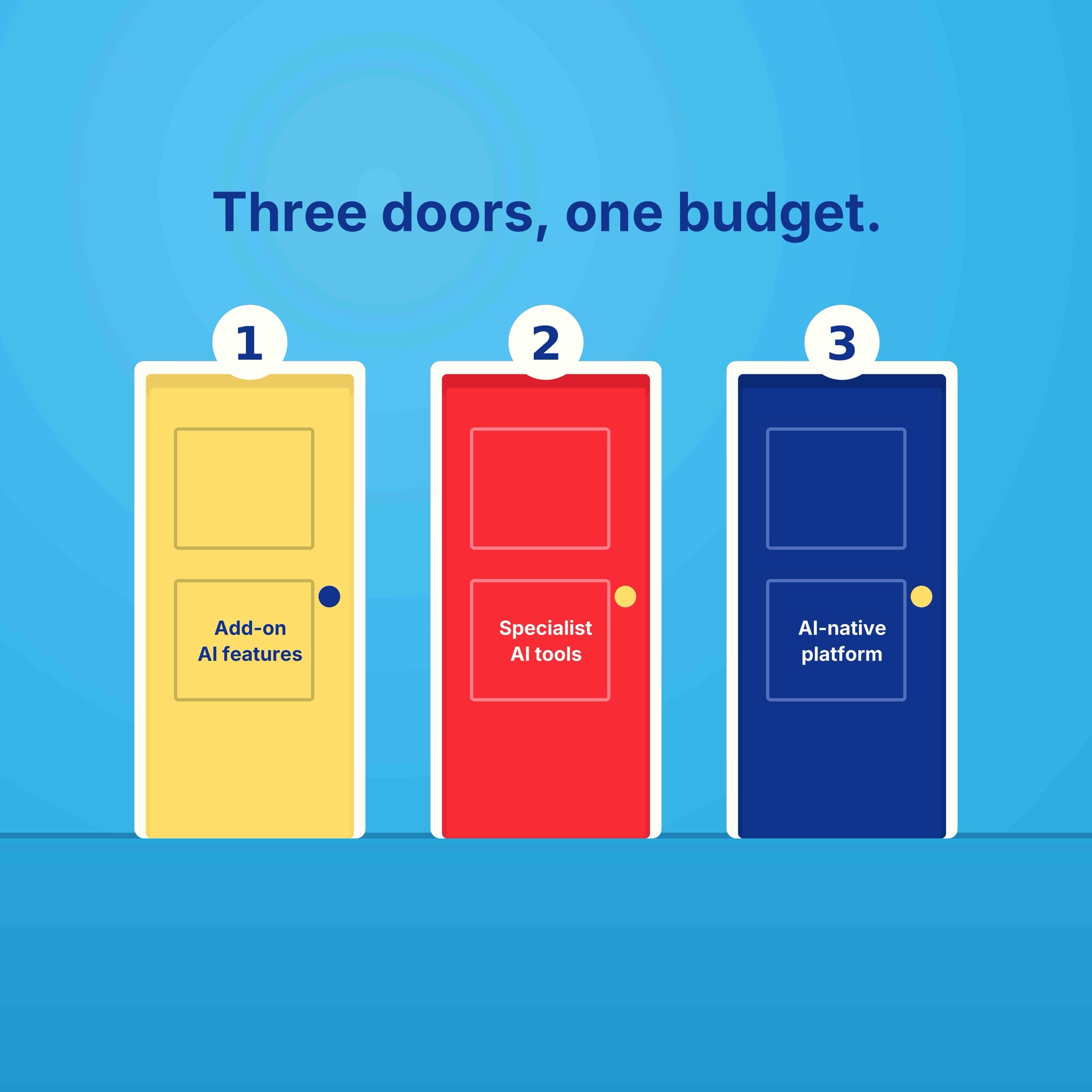
Part 1 of this series covered why AI authoring is worth doing and how to weigh the risks. Part 2 is the buying decision. You have 3 doors: the AI features already inside your LMS, a specialist AI authoring subscription, or an AI-native learning platform. Each fits a different team. Let’s open them.
Door 1 The AI already sitting in your LMS
Your LMS may already generate microlearning and avatar video from the knowledge sitting right in front of you. Check before you buy anything new. Leading workplace incumbent LMSs, including Docebo, Cypher, Cornerstone, LearnUpon, Absorb, and 360Learning, now embed native AI authoring that drafts courses, quizzes, and assessments directly from source documents, cutting production cycles from weeks to days. Features vary wildly: some only surface content in a catalog, others build no-code branching scenarios. Read the fine print on creator caps and token limits, because “credit limit reached, resets in 3 hours” is a rough thing to discover mid-build. Expect the add-on to cost roughly 15% to 30% over your base per-seat price, per Checkthat.ai’s analysis of Docebo’s model. No one has published a truly independent analysis on cross-vendor AI authoring features or costs yet, so get the number in writing.
Door 2 Specialist AI authoring tools
5 categories cover this market: full-suite incumbents, lightweight AI authoring, avatar video, AI voice, and slide and document generators.
- Full-suite incumbents. Articulate Rise still sets the bar for polished, responsive courses. Its AI Assistant drafts outlines, writes knowledge checks, generates images, and translates a course from a source document. Adobe Captivate covers the harder stuff (sims, VR, screen recordings), but AI arrived late and reviewers still flag the gap.
- Lightweight AI authoring. Mindsmith is AI top-to-bottom: prompt it or feed it a document, and it returns lessons, branching scenarios, and quizzes as self-updating SCORM (the file format legacy platforms use to package courses), a link, or a QR code. Easygenerator and Elucidat keep subject-matter experts driving, with AI drafting pages and translating into 75+ languages.
- Avatar video. Synthesia and HeyGen turn a script into a talking avatar in 140+ languages. Colossyan does the same and adds training extras like branching and quiz overlays.
- AI voice. ElevenLabs handles narration and voice cloning when you need a human voice, not an avatar face.
- Slide and document generators. Gamma and Skywork.ai turn a prompt into a deck, document, or webpage in minutes.
The upside is real: a two-week course now takes two days, and one designer ships what used to take a team. The catch comes in three parts. Credits hide the true cost (HeyGen’s Avatar IV can burn a month’s allowance in 10 minutes, and “unlimited” usually means unlimited on the cheapest model only). AI drafts still need a human edit pass, and are often criticized for text-book flavoured content and lack of instructional design. And “SCORM compliant” is a spectrum, not a guarantee: two certified packages can behave completely differently in your LMS, with tracking, completion status, and navigation all fair game for quirks.
Door 3 The AI-native learning platform
If your LMS added an AI course builder last year, that’s a bolt-on. This is different. Industry analyst Josh Bersin draws the line plainly: true AI-native platforms “are not ‘LMSs with Generative AI added,’ they are AI at the core” (Bersin, Autonomous Corporate Learning Platforms). His 2026 research goes further: real AI-native learning means replacing the SCORM-based system with a dynamic content engine.
The difference shows up after generation. A point tool produces a course, hands it to your LMS, and walks away. An AI-native platform keeps the connection alive: content refreshes when source knowledge changes, tutoring happens inside the course, and skills data flows back into what gets built next. In some cases, AI instructional design theory (not just design tools like branching or scenarios) is built-in with a validation workflow. Bersin converted his own 8-year academy into 750 independent learning objects assembled dynamically per person, and his verdict was blunt: “LMS vendors can’t build this because it is not an LMS” (Talented Learning interview).
The payoff is why you bother: In his 2024 discussion of Arist, Bersin estimates that its tool probably removes 80% of design time, business units author their own material, and L&D shifts to a business-centric operating model (Bersin, The L&D Revolution). His market read is blunt: once you’ve used an AI-native platform, “you won’t go back” (Bersin, The Enterprise Learning Tech Market Transforms). Workday/Sana, Upskillable, Uplimit, and Disprz are leading this category.
Three caveats.
Output quality depends on your inputs, so budget for knowledge cleanup before rollout (if your source docs contradict each other, the AI reproduces the mess). Even better, evaluate the AI-native learning platform on how it tracks the provenance of every piece of generated content against curated sources, routing only high-risk or low-confidence content to human reviewers at the moments their judgment matters (like when a source changes or learners show confusion), and using semantic similarity detection to catch duplicates and contradictory variations at creation time, concentrating human oversight where it counts. Second, younger platforms can trail 20-year-old systems on compliance depth, compliance reporting maturity, and mobile support, so test against your real requirements. Finally, make every vendor walk you through the human-review workflow for generated content, live. Then give the new architecture a 90-day pilot and measure time-to-capability, not feature counts.
What might suit your needs?
Stay in your LMS
Low volume, routine content
A learning team of one or two building policy refreshers and systems walkthroughs doesn’t need a US$50,000+ platform. Use the AI features you already pay for and patch gaps with one specialty subscription: Synthesia or HeyGen for avatar video, Articulate for deep branching.
Buy a point tool
Brand-facing and occasional
Fewer than ~20 courses or programs a year (customer onboarding videos, partner decks, simulations that sit untouched for a year) is point-tool territory. Export-and-freeze costs you nothing on a one-off, and you get the sharpest rendering on the market instead of waiting on a roadmap.
Go AI-native
High volume, always updating
This is ideal for teams whose demand outruns capacity. These platforms support several hundred to several thousand employees, handle product or policy changes on the fly, and enable sales, operations, compliance, and HR to become creators and administrators in one platform. At that pace the math flips: US$50,000+ against hundreds of authoring hours, translation rush fees, and contractor spend starts looking like a bargain.
What the AI-native door buys you:
- Content currency. Courses refresh when source knowledge changes, so training covers this quarter, not last.
- Breadth without SCORM. Microlearning, video, podcast, and presentations in one place, converting between formats to match learner preference, with no export step (unless you require one).
- Adaptivity that reaches the learner. Connected to business objectives and skill data from your HRIS (your HR system of record), with AI tutors delivering knowledge exactly when and where it’s needed, and managers getting a traceable skills record for compliance and workforce planning.
- Grounded data. Every course ties to verified source material with citations, so content stays accurate, in your voice, and auditable.
Your move
Your LMS/LXP had two decades to solve engagement. Now there are new AI authoring solutions to consider. Consider wisely, as what you might find is a need to move to the next door over.
Tell us which door you are standing in using the form below. Follow Upskillable on LinkedIn for the rest of this series and a front-row seat to AI-native learning in action.
Next in the series: Don’t Just Use AI: Use It Well. Defining AI-Native Learning for Workplace Enablement.
Workplace Learning, Unlearned. Part 2 of 9, from the team at Upskillable.
Connect with us
Tell us what you are trying to get done.
This form reaches the Upskillable team. It is not a public comment thread. Prefer the longer path? Use Get started.
Prefer email? Reach us at hello@upskillable.ai.
Keep reading

Product
Living Courses: built around performance
Learn at your own pace and ask your Tutor for guidance based on your training, right when the work calls for it.
 Romain Gagnon · October 11, 2026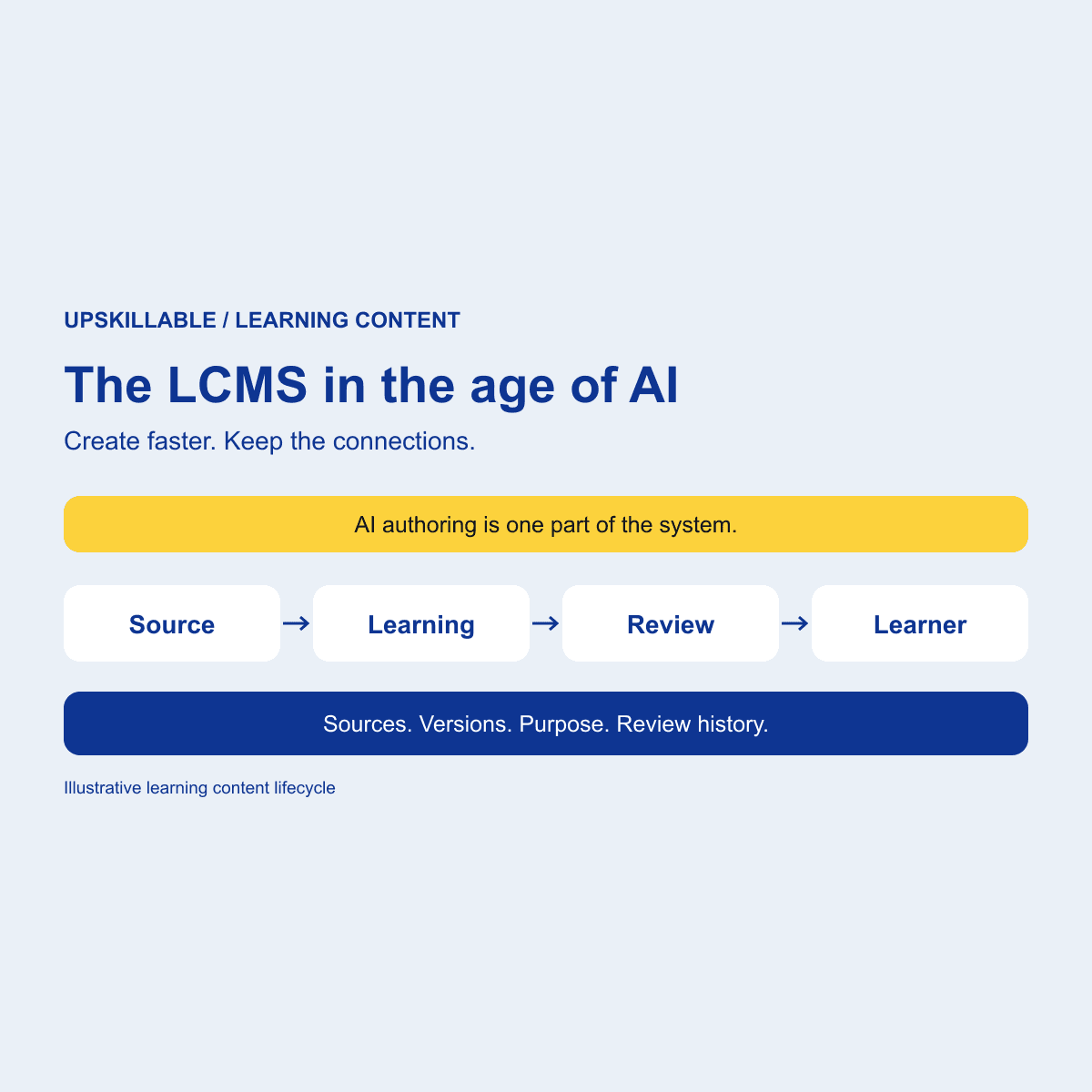
AI Authoring
The LCMS, rebuilt for the age of AI
AI Insights improves what exists. Signals identifies what is missing. See how both connect to AI authoring, learner context, and source lineage.
Romain Gagnon · October 8, 2026