
AI Authoring · October 8, 2026
The LCMS, rebuilt for the age of AI
 Romain Gagnon · October 8, 2026 · Founder & CEO
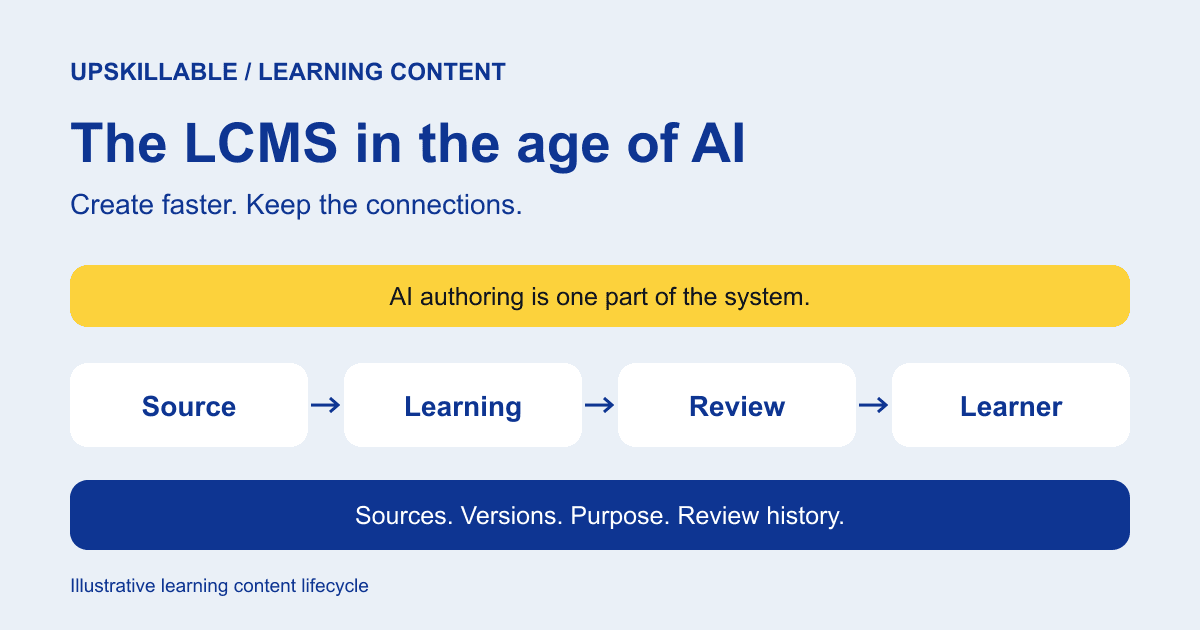
Faster authoring helps you make more content. The bigger opportunity is knowing what to improve, what is missing, and how every change connects back to its sources.
Every turn builds on what you know.
A new need to build or improve starts the next turn.
Every format.
What needs attention?
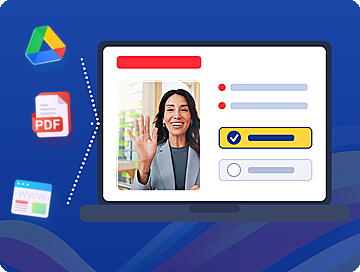 Courses
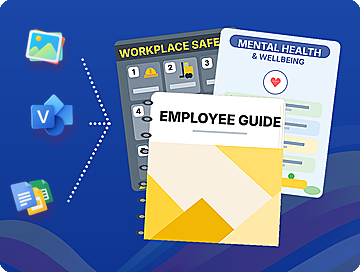 Documents & SOPs
 Podcasts
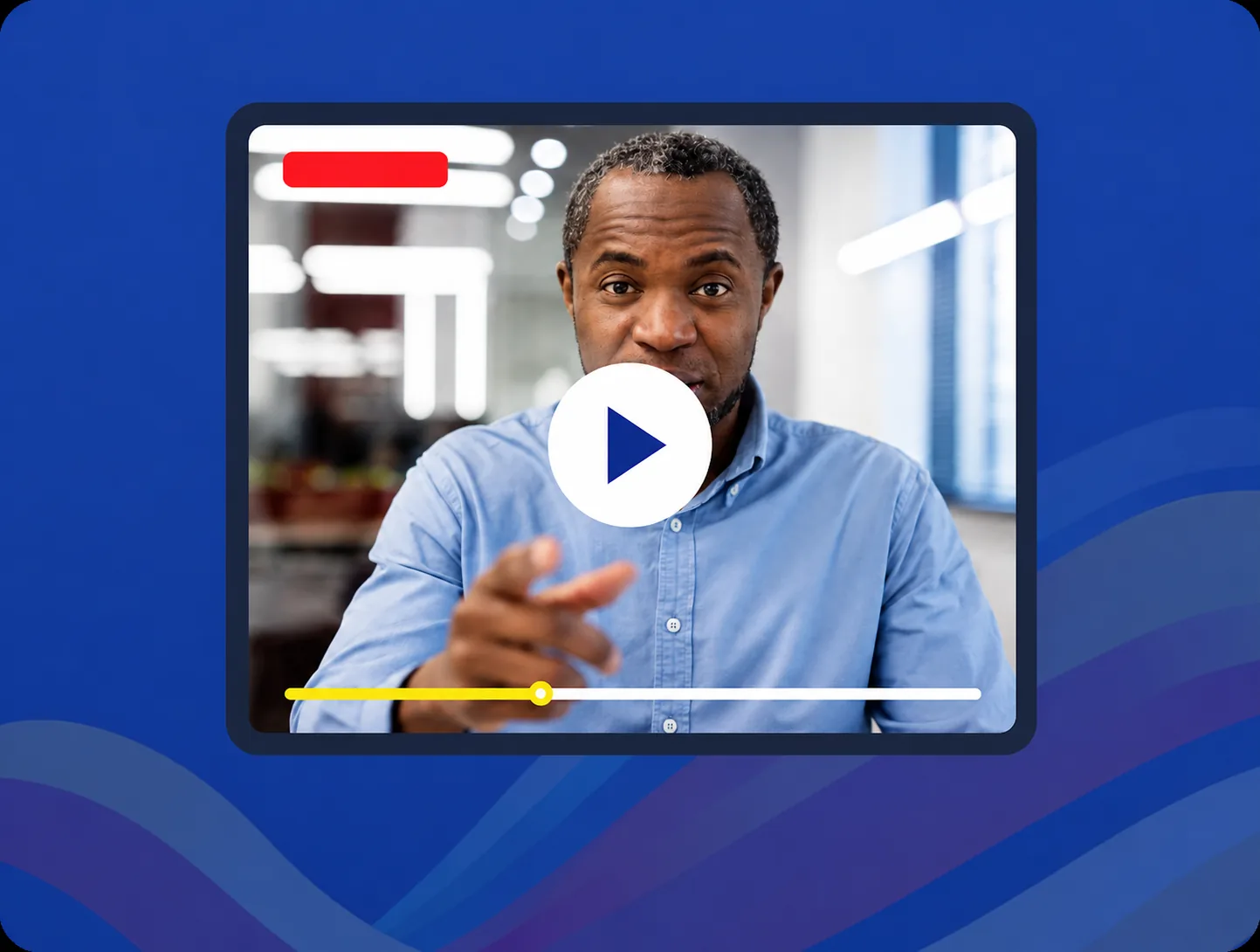 Videos
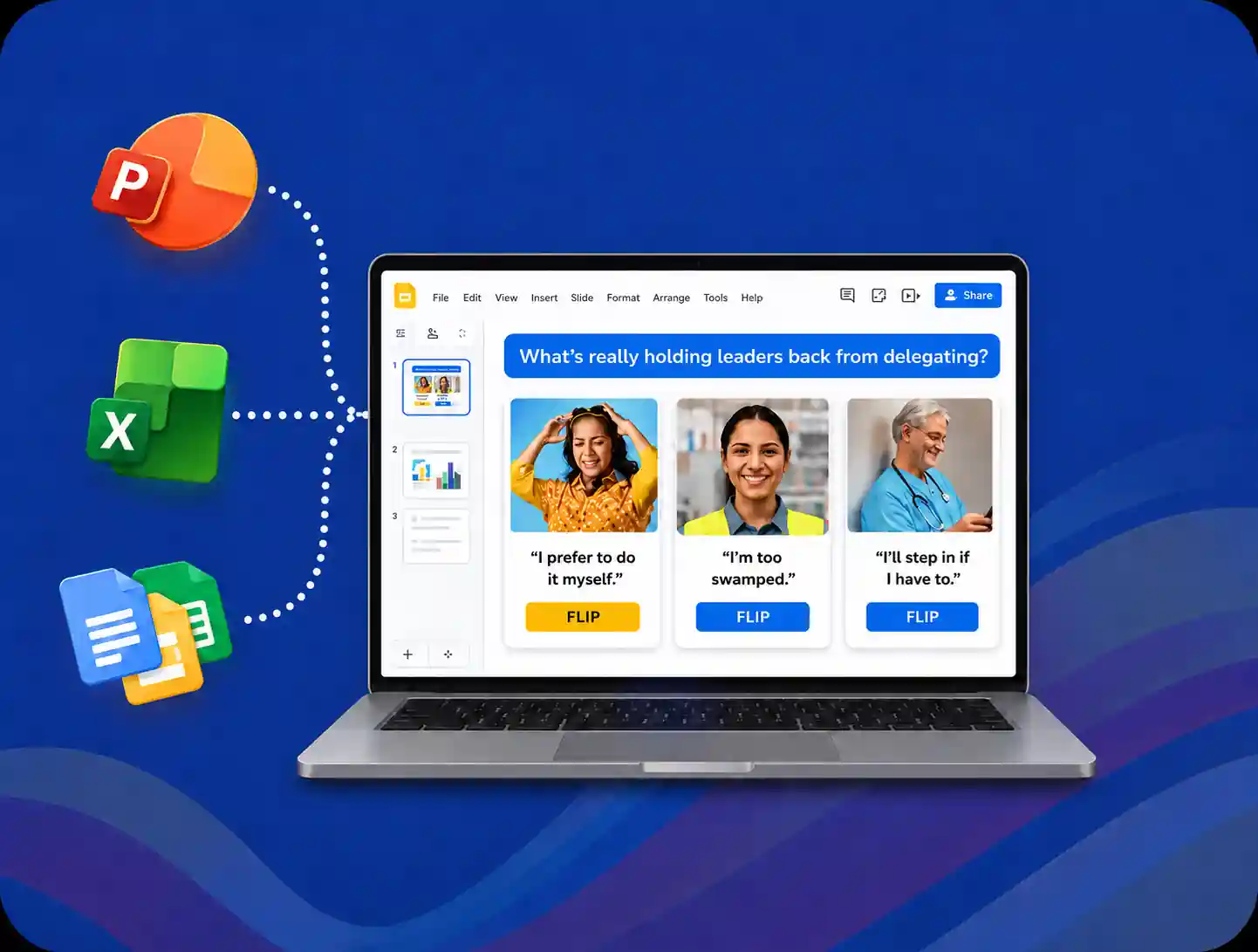 Slides
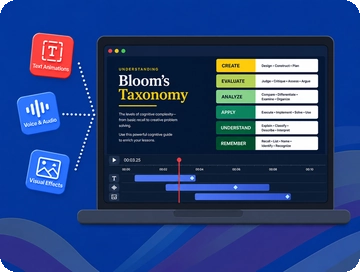 Animations
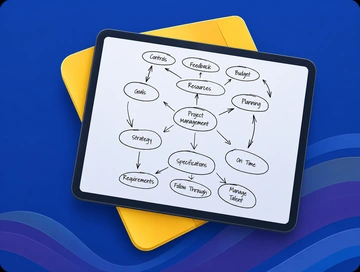 Mind maps
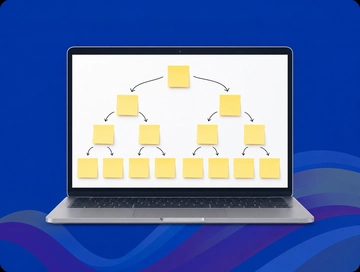 Branching scenarios
An LCMS should know what the content came from
A learning content management system (LCMS) manages source material, reusable content, versions, and their relationships. An LMS manages delivery and learner records. One platform can do both, but course completion alone cannot tell you whether the underlying information is still right.
The distinction is concrete. A citation points to a source. Lineage connects a specific source version to the content derived from it. Managed reuse preserves the relationship when one unit appears in several assets. An independent copy needs its own history.
Established LCMS products already support content reuse and versioning. AI raises the standard: those relationships should survive when a source becomes a course, a procedure, a scenario, or a Tutor explanation.
Two advisers. Two different questions.
AI Insights looks at what exists. It examines what is happening from course creation through the learner’s interactions with the content. Where are people struggling? Which explanation or activity needs attention? Those findings circle back to the creator as opportunities to improve.
Signals looks at what is missing. It considers the available sources, courses, procedures, and skills to suggest coverage that could be added. A useful source might support a new skill, an additional standard operating procedure (SOP), or learning that has not yet been created.
The same knowledge. Two ways to act.
Illustrative inventory: 10 source documents · 5 courses · 2 SOPs · mapped skills
- AI Insights
Improve what existsLearners struggle with an escalation decision in an existing course. - Advice to the creatorClarify the explanation. Improve the decision practice.
- Signals
Find what’s missingSources describe a handover process with no linked SOP or skill coverage. - Advice to the creatorConsider a handover SOP and a new skill supported by those sources.
Improve an existing asset, build missing coverage, or investigate further. Keep the evidence behind each suggestion attached to the decision.
These advisers serve different purposes. AI Insights can help refine an existing course. Signals can reveal that a needed procedure or skill is not represented at all. Both help the creator decide where to act, with the source context still in view. Existing courses, documents, SOPs, skills, and evidence all inform that decision. Each new or improved asset adds to that shared knowledge, ready for the next turn.
Generate the right response, in the right form
Generate Studio brings trusted sources into an editable creation workspace. It is a full creation studio: courses, documents and SOPs, podcasts, videos, slides, animations, mind maps, and branching scenarios. A new demand or an adviser’s recommendation can lead to a new asset or an improvement to one already built.
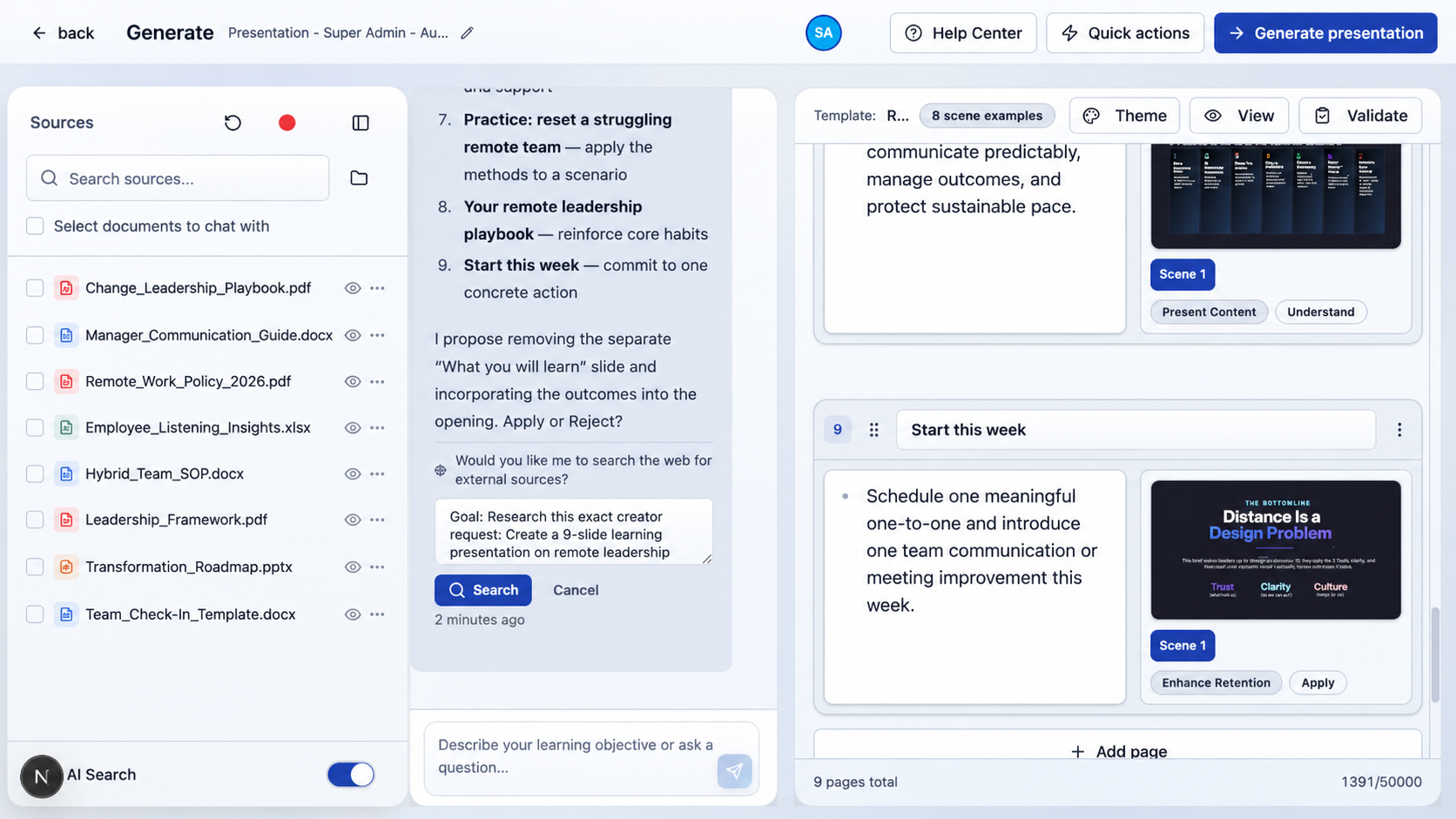
A short lesson on why the approval rule changed.
A job aid for applying it during a real request.
A branching scenario for deciding when to escalate.
These should not be the same text in three containers. The learning purpose changes the design. Explaining a rule helps someone understand it; practice must ask them to make the decision.
Fast authoring is one part of the work. The enduring value of a connected studio is the context around creation: the diagnosed need, approved source, intended skill, resulting assets, and their continuing relationship.
Keep the trail when the source changes again
The next revision tests the whole model. A new source version should reveal what may be affected, while preserving what learners actually received.
Follow the rule through the system.
Resolve the request directly.
Get supervisor approval before resolving it.
Reusable unit: approval rule
- Lesson explanation
- Desk reference
- Decision scenario
Keep the source version, affected assets, reviewer, and release decision connected.
Our Living Course model connects reviewed updates with learner continuity and in-course AI Tutor guidance. That makes the released version important: a learner needs help grounded in the material they are actually using.
The loop returns to the creator through both advisers. AI Insights uses creation and learner-interaction evidence to suggest improvements to existing content. Signals examines coverage across the available material to suggest what is missing. The next action may be a revision, a new SOP, a new skill, or a different learning asset.
What changed? What depends on it? What should we build next?
That is the LCMS we want to bring into the age of AI: source-aware authoring, traceable content, and learning that helps inform its next improvement. In a demonstration, follow one real source through that entire trail.
This is the content foundation of Upskillable’s Living Learning System: connecting trusted sources, learning, guidance, and evidence as business needs change.
LCMS references:
- ATD Press: The LMS Guidebook — Steve Foreman’s explanation of LCMS source libraries and collaborative content workflows (2018, p. 10; PDF).
- eLearning Industry: Content Authoring and LCMS — Dane Thompson on reusable learning objects and the distinction between managing content and managing learners (2020).
- LinkedIn: Wilfred Rubens on learning management system types — LCMS content creation, storage, and version control (2023; in Dutch).
These references explain the LCMS foundation. For Upskillable’s approach, explore Generate Studio, Engage and Signals, and Living Courses. Sources reviewed October 8, 2026.
Related: The Wrong Course, Faster · AI-native vs bolt-on LMS: the context difference.
The examples and diagrams illustrate Upskillable’s product roles, as described by our founder. They do not report a measured customer result or an end-to-end product benchmark.
Connect with us
Tell us what you are trying to get done.
This form reaches the Upskillable team. It is not a public comment thread. Prefer the longer path? Use Get started.
Prefer email? Reach us at hello@upskillable.ai.
Keep reading

Product
Living Courses: built around performance
Learn at your own pace and ask your Tutor for guidance based on your training, right when the work calls for it.
Romain Gagnon · October 11, 2026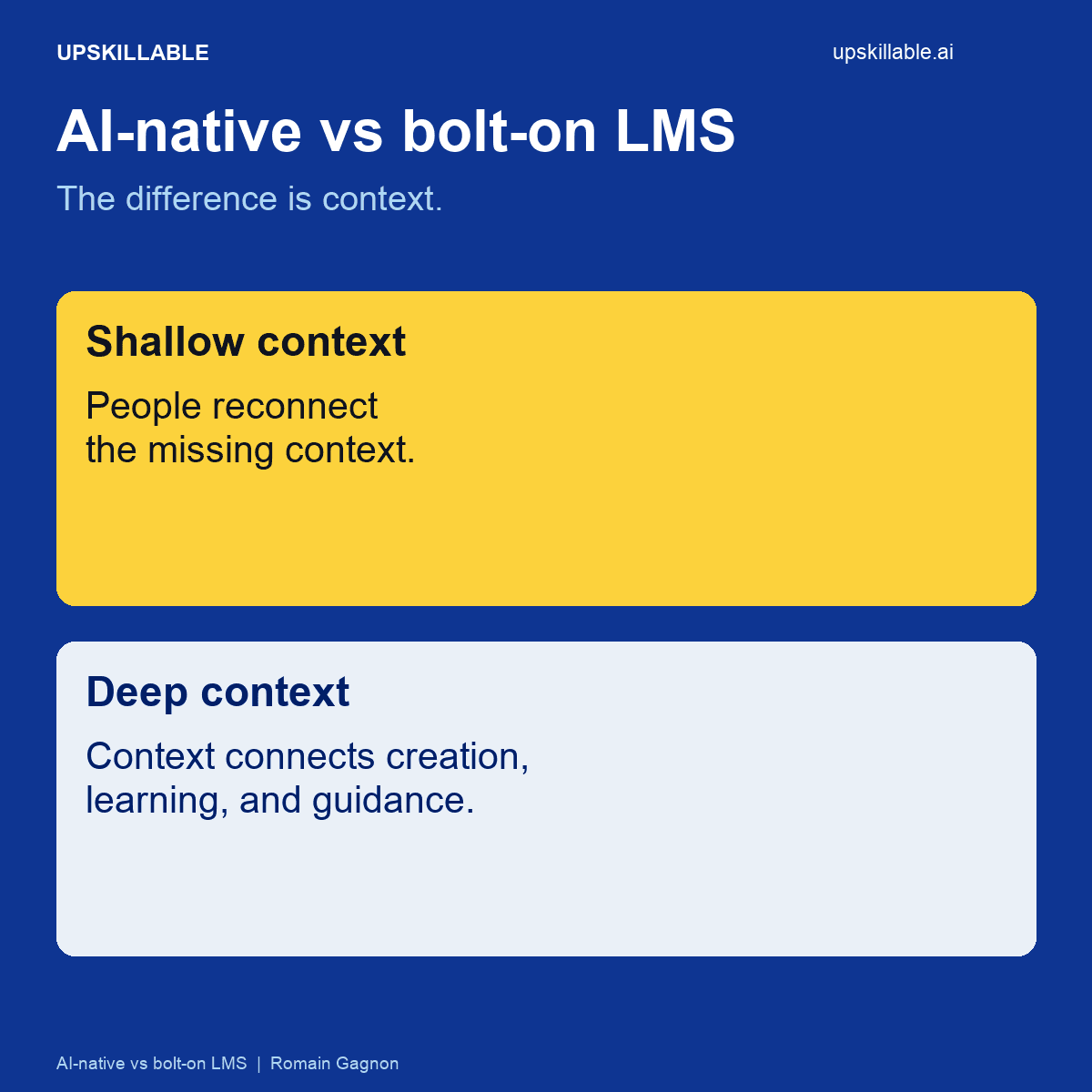
Learning & Development
AI-native vs bolt-on LMS
Compare shallow AI add-ons with a deeply connected learning flow, from content creation to learner guidance and progress.
Romain Gagnon · October 6, 2026