Product · October 27, 2026
Keep your LMS. Bring your learning to life now.
 Romain Gagnon · October 27, 2026 · Founder & CEO
Your LMS investment may have one, two, or a few years left to run. You don’t have to wait for the contract to end to bring the learning to life. Add Generate Studio, Living Courses, and an AI Coach with the learning context, while your existing LMS remains the way in.
Your contract keeps running.
Your learning moves forward.
Create more. Keep learning useful. Give people help in the moment.
Your existing LMS
Your investment stays in use.
Your people keep a familiar starting point.
Learning launch
results return

Turn your knowledge into learning like this.
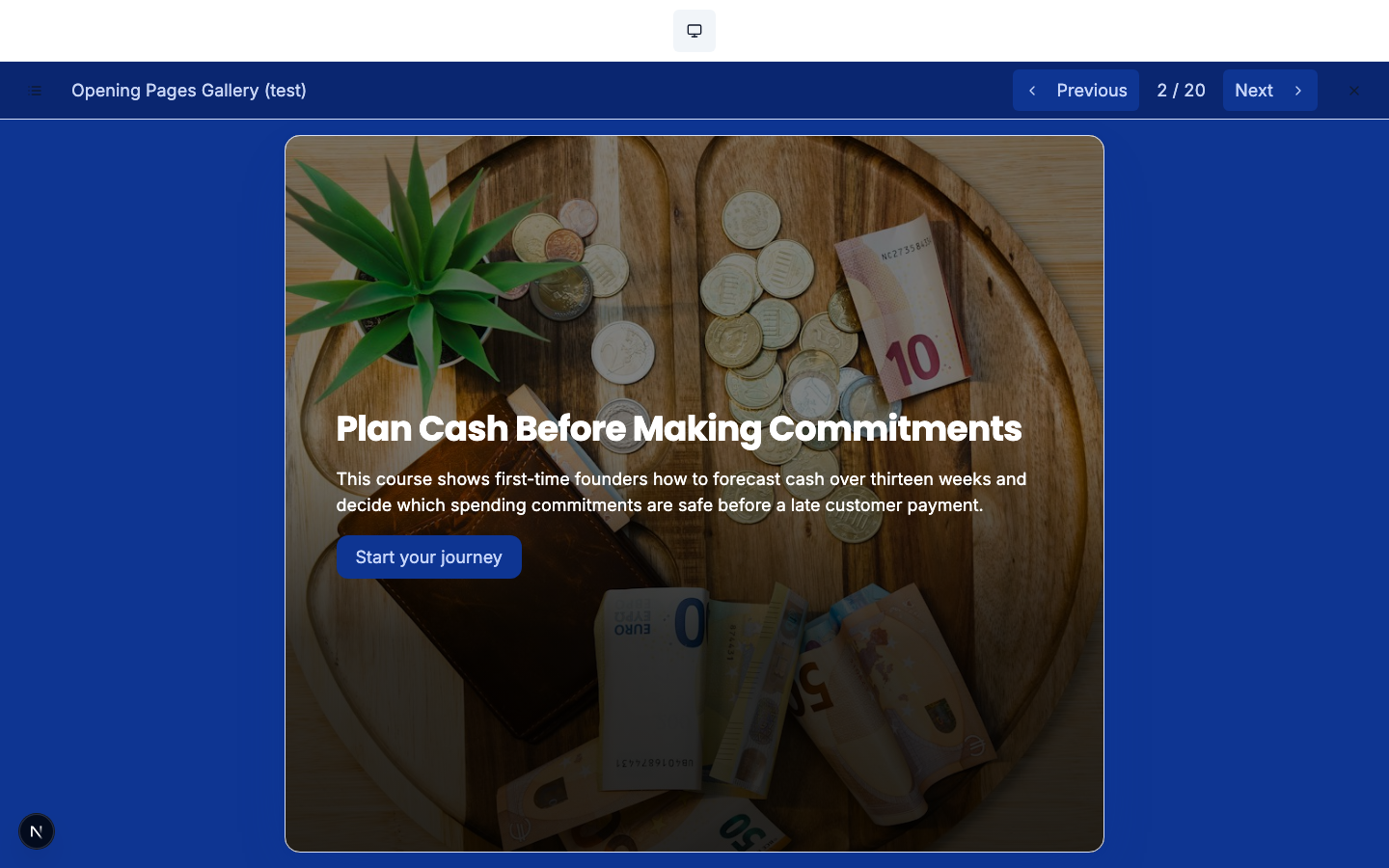
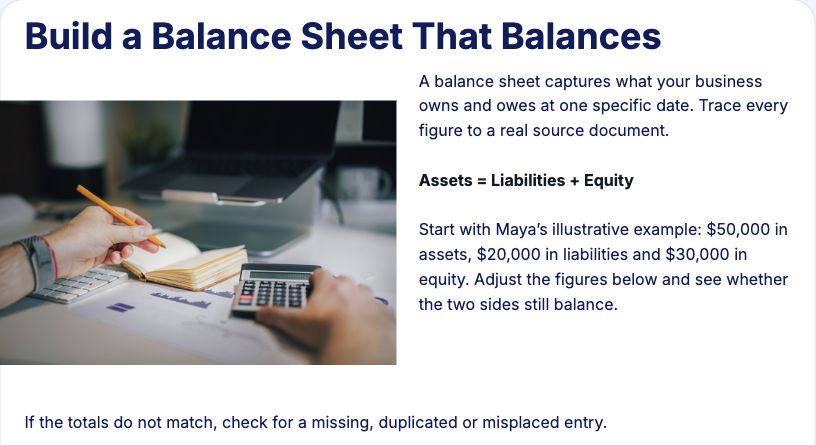
From the same source material
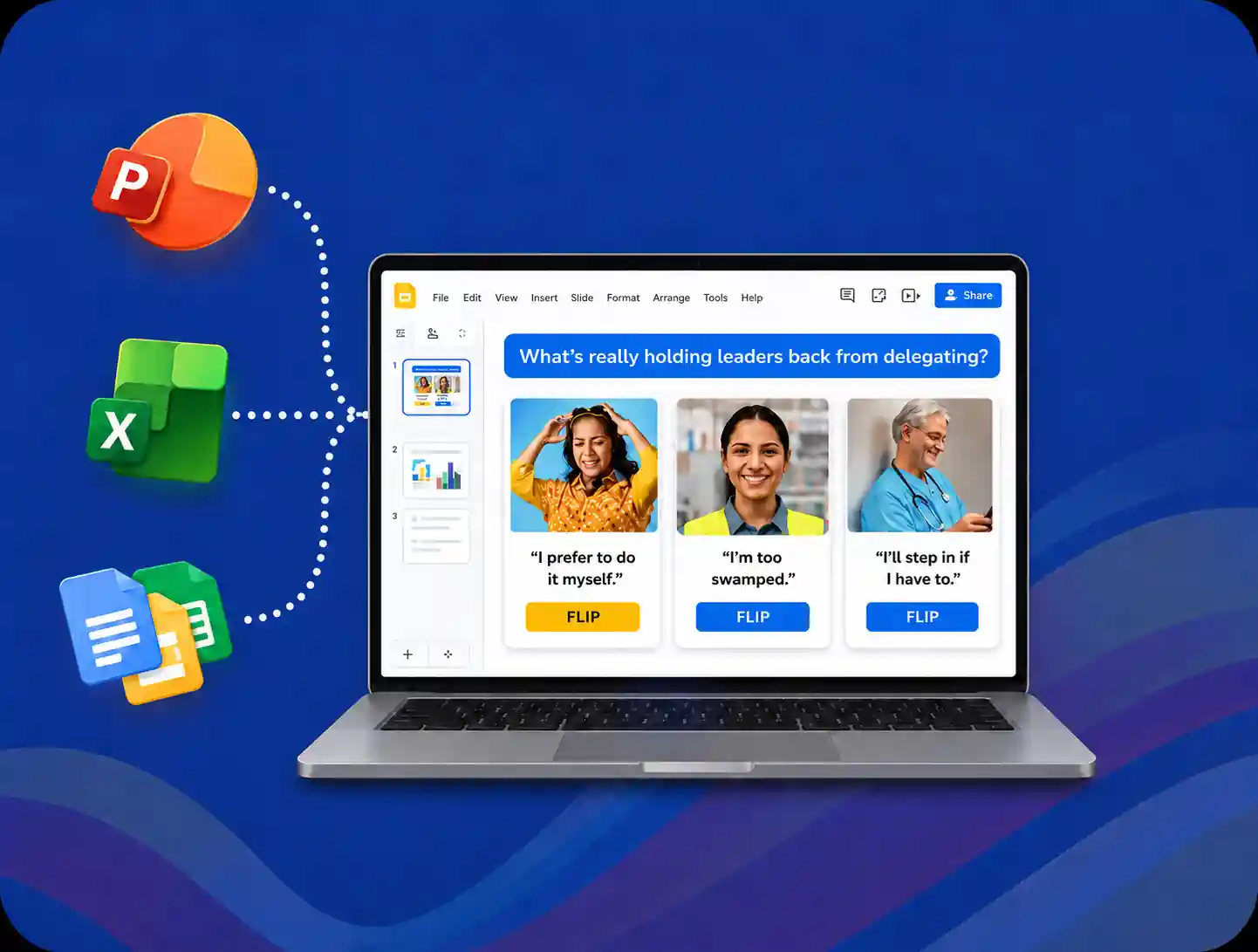
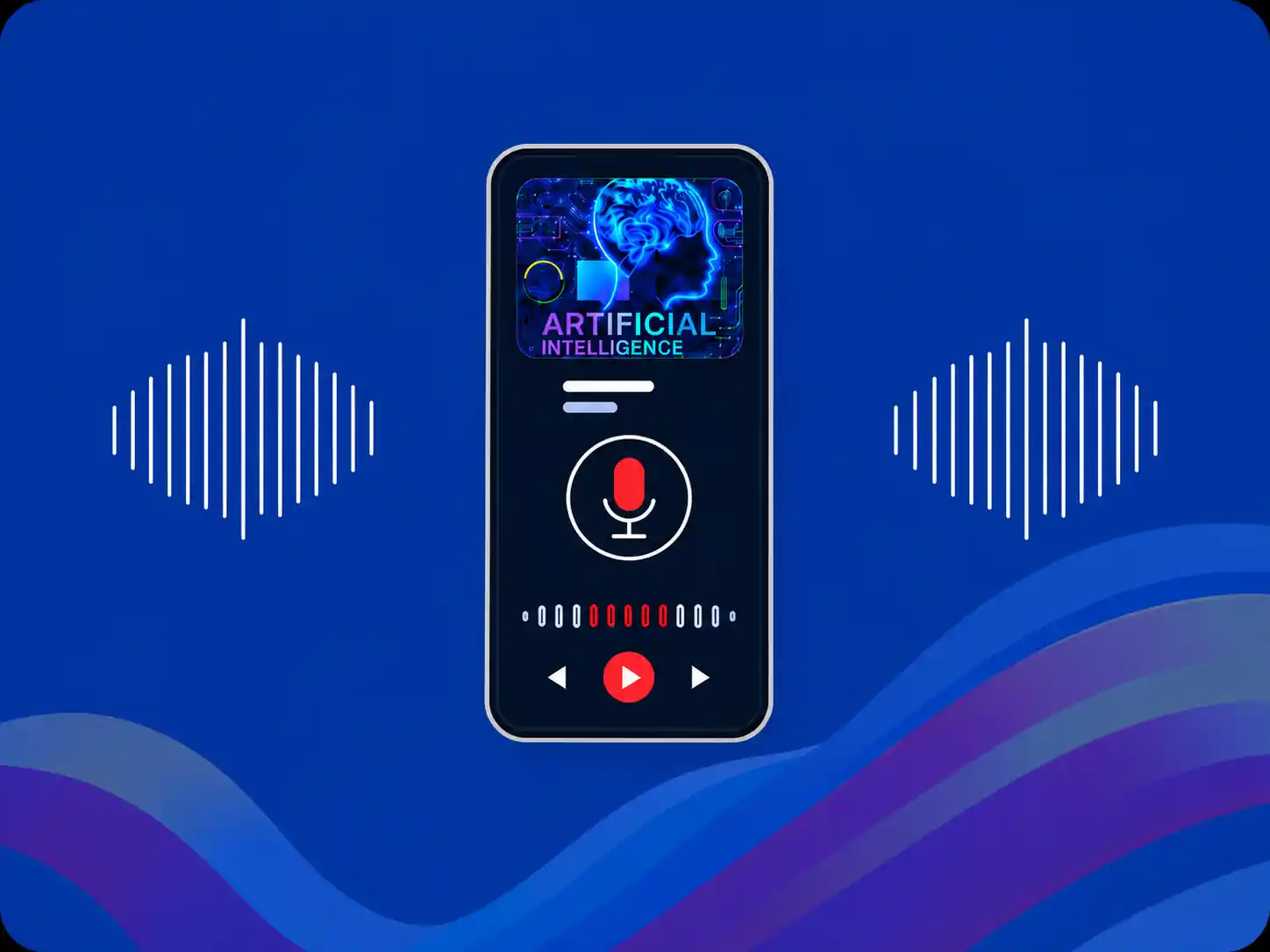
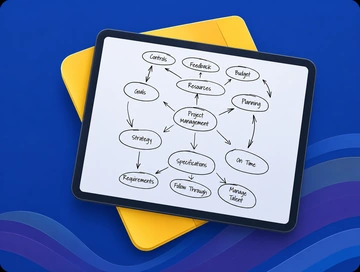
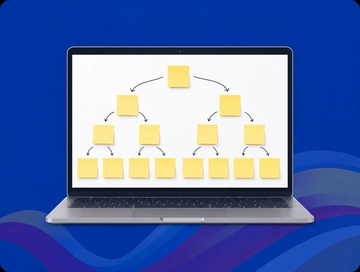
Useful beyond completion.
- Before the taskLearn the topic.
- During the workAsk about the situation in front of you.
- When you returnPractice what needs more work.
The context is already there.
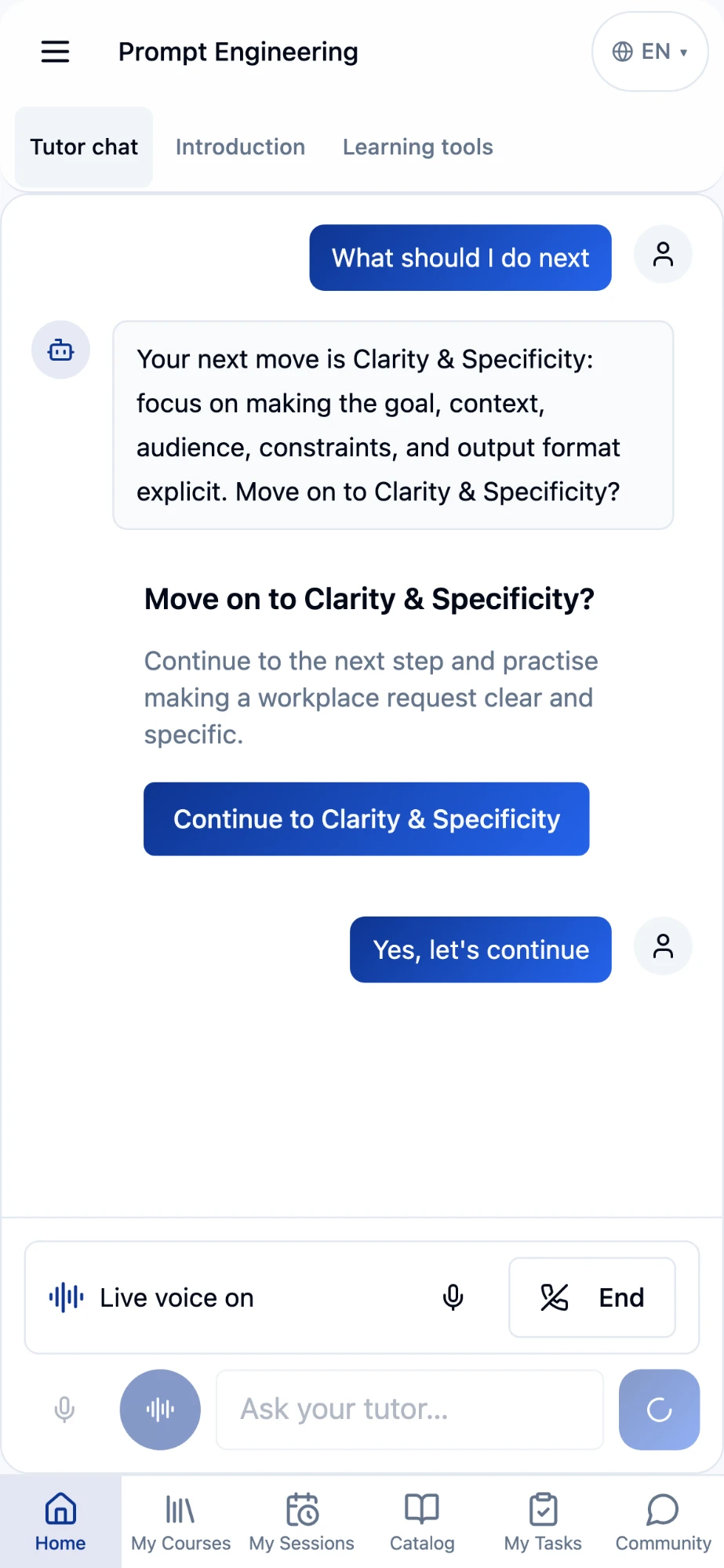
The lesson.
Its sources.
Your progress.
Your questions.
One conversation.
↩ Supported results to your LMS · Detailed activity to your LRS
Maybe you have one year left on your LMS contract. Maybe two or three. You’ve invested in the platform, built your programs, and taught people where to go. That investment still has work to do.
But your team needs better learning now. A new process to teach. Expert knowledge to capture. Somewhere to practice, and help when a learner gets stuck. None of that needs to wait for the next renewal conversation.
Upskillable builds on what you already have. Generate Studio turns your documents and expertise into learning people can use. Living Courses give them a reason to return. An AI Coach with the lesson and learner context helps them understand, practice, and apply it. Your compatible LMS can stay the starting point.
Here's what that can look like, using an illustrative onboarding program for a customer support team.
01 · Create from what you knowStart with the work people need to do
The support team needs new hires to recognize an escalation, choose the right route, and explain their decision. The starting material is already there: a playbook, a policy, and training slides.
Your sources. Your outline.
Your editable learning.
One workspace to shape the material, review the direction, and build.
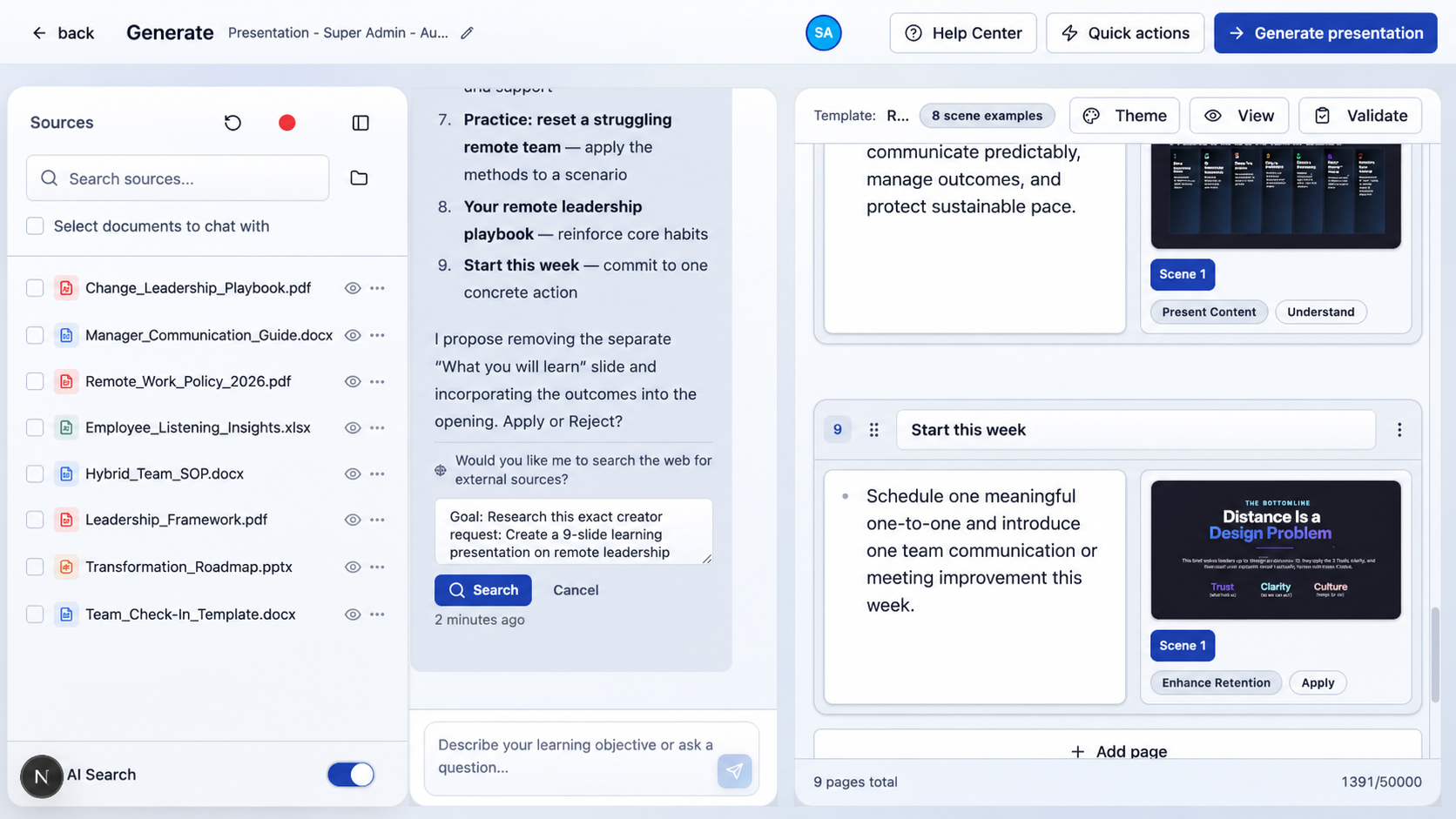
The subject expert works from the material the team already trusts, reviews the proposed direction, and shapes the examples around the decisions new hires will face.
A full Studio, without stitching the work together
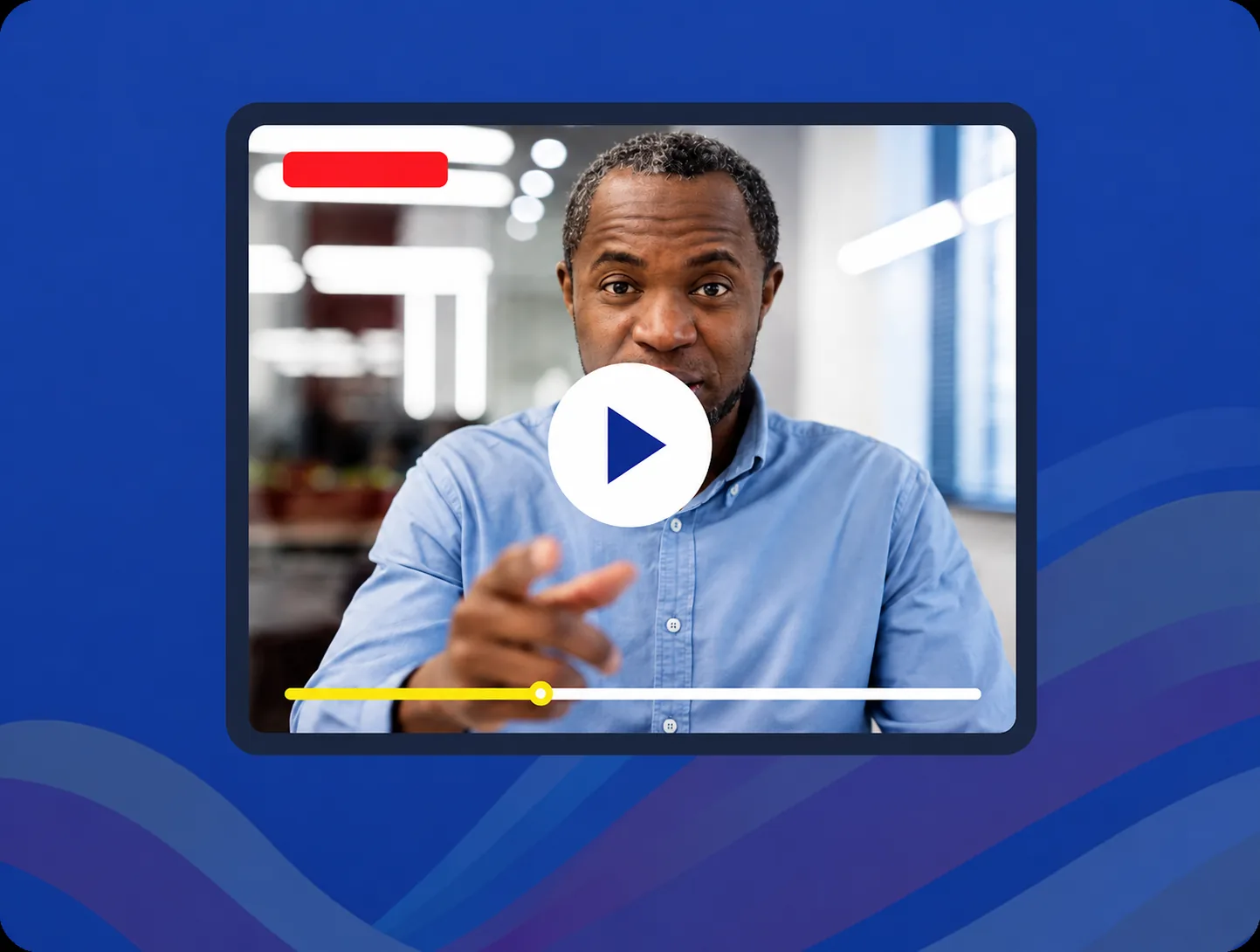
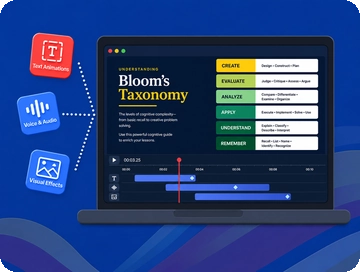
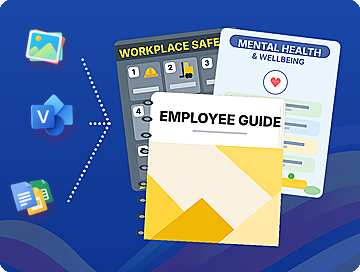
The course is only part of the job. Your team also needs a reference guide, a short video, or somewhere to practice. Start from your source material and teaching work in Generate Studio, then develop each format in its authoring workspace.
Shape the experience with questions, calculators, diagrams, and your branding. Add narration, presenters, captions, and motion in Slide Studio.
Keep the thread from source to learning
For me, this is the useful part: you can see where the work came from and carry it into what you build next.
- 01
Plan the teaching
Shape the outline, narrative, and facts before you build.
- 02
Keep the source link
See what the work draws on and what needs review.
- 03
Make the next format
Reuse an eligible outline for a guide, podcast, or practice scenario.
- 04
Take it to another language
Localize and review the version for your next audience.
When the escalation rule changes, those connections help the support team find what needs checking. They can update the course and its related material with the original thinking in view.
02 · Give the subject a continuing homeThe course is still useful after the first visit
A new hire may finish the introduction on Monday and face an unfamiliar customer question on Thursday. A Living Course keeps the subject available when that question arrives. They can ask about the situation, revisit the relevant topic, and return to practice what needs more work.
That changes the role of the course: it supports the task as well as the training. When the process changes, the team reviews and releases updated guidance into that continuing experience. See how Living Courses connect learning to performance.
03 · Help with the context already thereThe learner should not have to rebuild the context
“I understand the rule. What should I do with this customer?” The learner should be able to ask that without pasting the policy into another chat and explaining everything again.
That is the point of keeping the AI Coach beside the learning. It can use the lesson, its sources, earlier questions, and progress to help work through the decision. Relevant role and skill information adds context where available. Records from your existing LMS depend on the integration.
04 · Connect the learner and manager journeyLet learners start where they already go
01 · ConnectConfigure your LMS connection.
02 · LaunchOpen the learner experience.
03 · VerifyCheck the agreed results.
Connection overview. Setup and result return depend on your LMS. Detailed activity is not automatically displayed in every LMS.
The creator builds in Upskillable. The learner can start from the existing LMS.
Learning Tools Interoperability, or LTI, provides that connection. Upskillable supports LTI 1.3 launch, with the connection configured for the customer's platform. A learning link in a compatible LMS opens the Upskillable experience.
Before rollout, the team checks the complete path: the right learner opens the right experience, accesses the material, and reaches the agreed reporting destinations. The Keep your LMS overview explains that connection.
Make the result useful to the manager
Before launch, agree what the manager needs to know: who participated, what result matters, and what further evidence would show someone is ready for the job.
Choose where the evidence goes.
Use Engage and Analyze where they fit the reporting plan. For this onboarding program, look beyond completion: can the learner recognize an escalation and explain the next step? Agree where the manager will see that evidence before rollout.
Include the manager in the pilot. A learner opening the course is the start of the proof. A manager finding the information they need is part of finishing it.
Your next step doesn’t have to wait for renewal
Bring the source material, the task people need to perform, and the LMS you already use. Build the learning, try it with a learner, and check the result with a manager. Start with one program that matters today. Keep the LMS you’ve invested in. Bring the learning to life.
Connect with us
Tell us what you are trying to get done.
This form reaches the Upskillable team. It is not a public comment thread. Prefer the longer path? Use Get started.
Prefer email? Reach us at hello@upskillable.ai.
Keep reading

Product
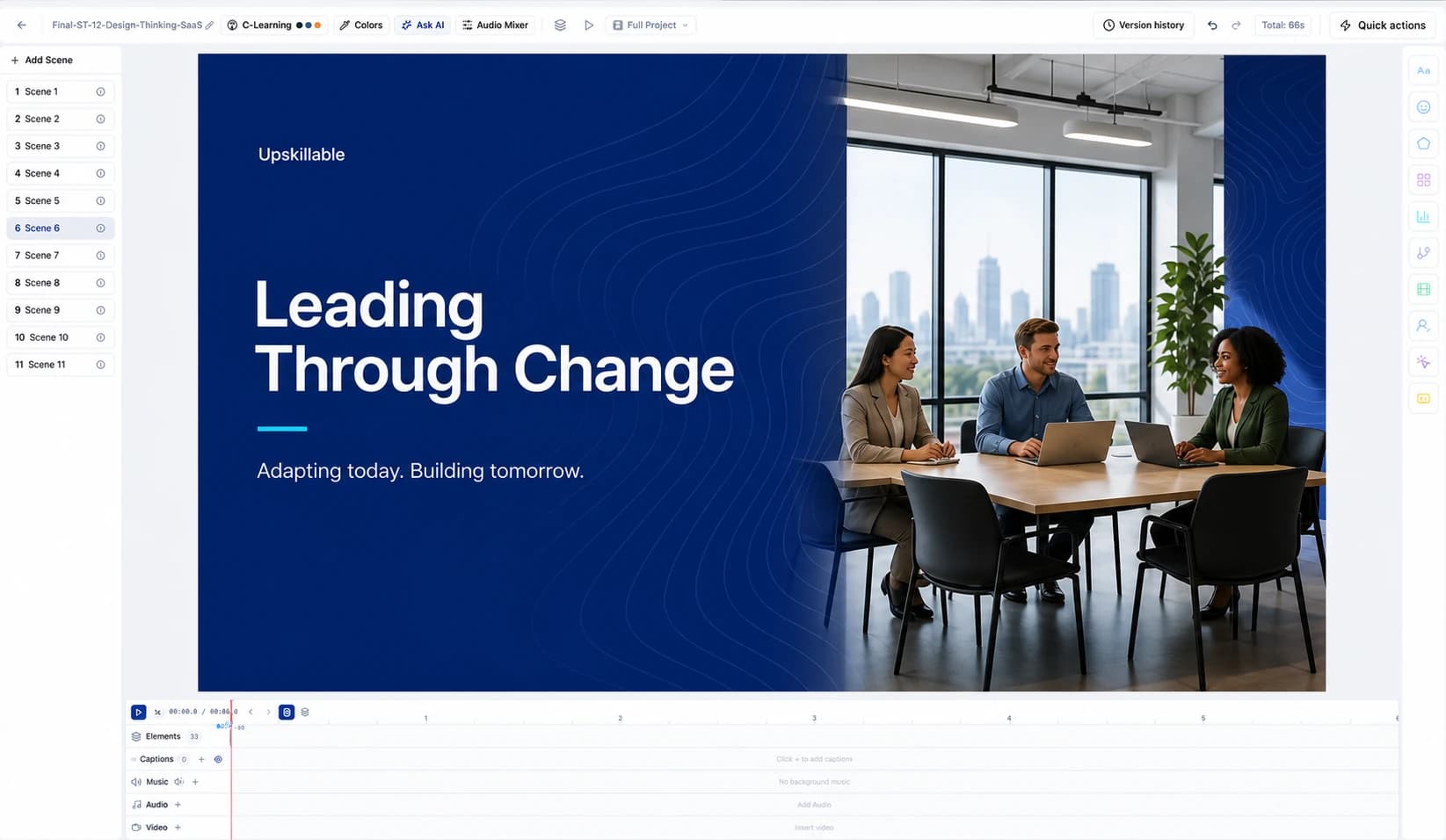
Direct the scene: cinematic training videos in Slide Studio
Direct a training video like a film: transitions that carry the idea, paced motion, a camera that waits for the presenter, light, and shots you describe in plain words. Real Slide Studio exports.
Romain Gagnon · October 27, 2026
Product
Slide Studio: AI video, avatars, and interactive slides in one LMS
Record your screen and face, direct the shot in plain words, add a presenter, and let learners answer. Everything Slide Studio does today.
Romain Gagnon · October 22, 2026