
MCP + WebMCP
Your learning platform. In the conversation.
Find training and open your course from ChatGPT. Inside Upskillable, connect course setup, trusted sources and page editing to the workspace where the work is saved.
WebMCP / Inside Upskillable
Tools that know which course you are working on.
MCP connects an external assistant to Upskillable. WebMCP exposes tools on the Upskillable page open in a compatible browser, keeping the course, selected sources and page context together.
Set up the course
Generate page tools save the audience, learning goal, language and source selection in the existing Studio project.
Work from your documents
Ask a source-based question with citations, draft an editable outline, and check the build result. You start generation in Studio.
Refine the right page
Course Builder page tools list and read pages, pass edits through Ask AI, handle confirmation and restore the previous page version.
Real screens. From the conversation to the course.
ChatGPT learning cards, the learner experience, and editable courses in the Upskillable workspace. Open any image for a closer look.
For creators / Inside Upskillable
From “we should teach this” to an editable course.
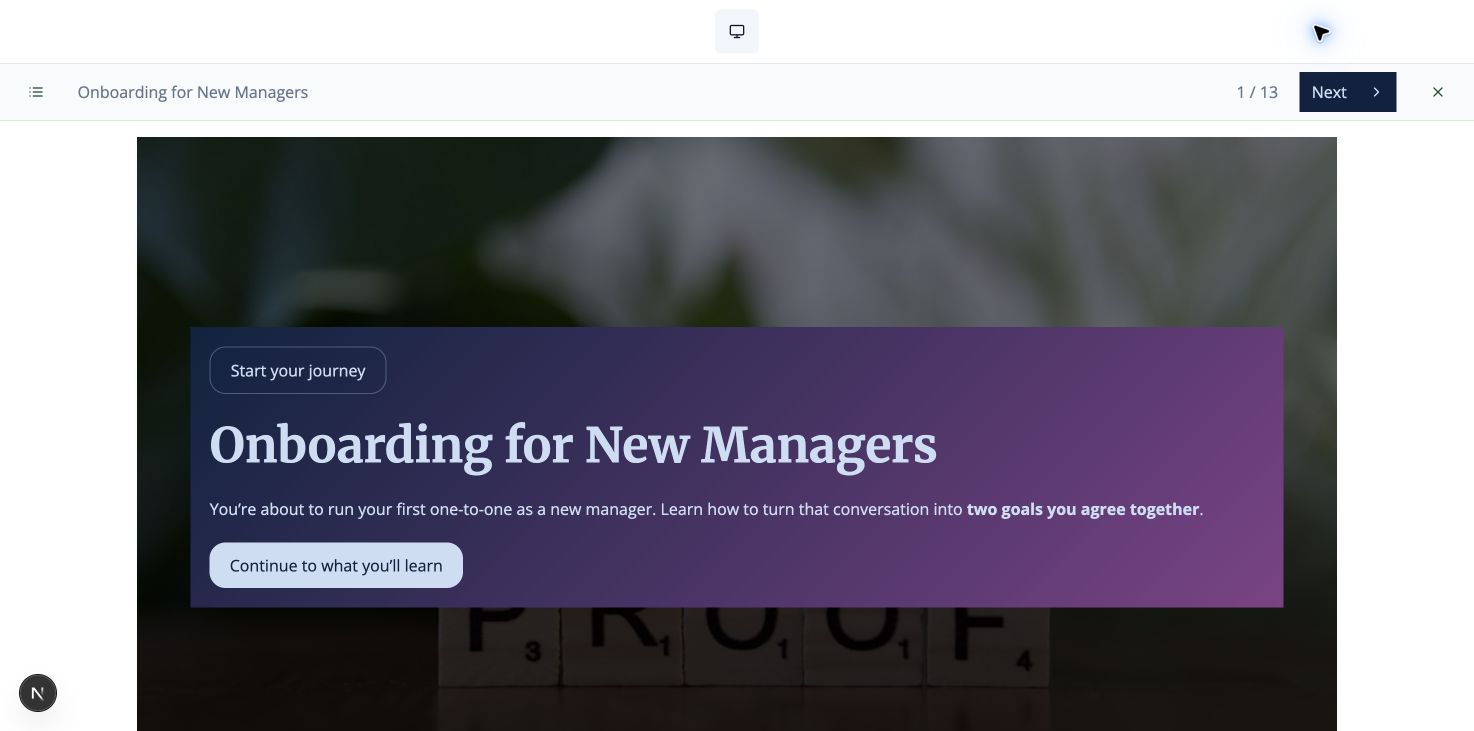
Take a familiar job: help new managers hold a useful first one-to-one. Start with the handbook your team already trusts. Shape the course, open it in Studio, then refine a page without starting over.
Course setup, generation and page editing in the Upskillable workspace.
01 / Set the brief
Tell it who needs to learn what.
Keep the audience, goal and format together before creating content.
Set up a seven-page Standard course for new managers. Help them run a first one-to-one and agree two goals. English, no assessment.
A saved course setup and an Open Studio link. Review the setup before generating.
02 / Work from your sources
Bring the handbook into the discussion.
Select a ready document in Upskillable. Ask a focused question before turning it into training.
Using my selected manager handbook, explain what a good first one-to-one should achieve. Cite the document.
An answer with source references, retained in the same Studio context.
03 / Shape the learning
Review the outline before the build.
Give the course a direction you can still edit. Existing work stays part of the same project.
Draft the empty outline from that handbook. Preserve my existing edits.
Editable outline points in the same project, ready for your review.
04 / Build and open
Make the course. Keep the editor.
Review and validate in Studio, then press Generate. Check the build status and open the exact saved course when it is ready.
Is my course ready? Open the saved course.
Build status and a Course Builder link. The result is an editable course, not a transcript of the chat.
05 / Refine one page
Change the lesson you mean.
Work on the selected page while keeping the rest of the course in place. Changes that need confirmation ask for it.
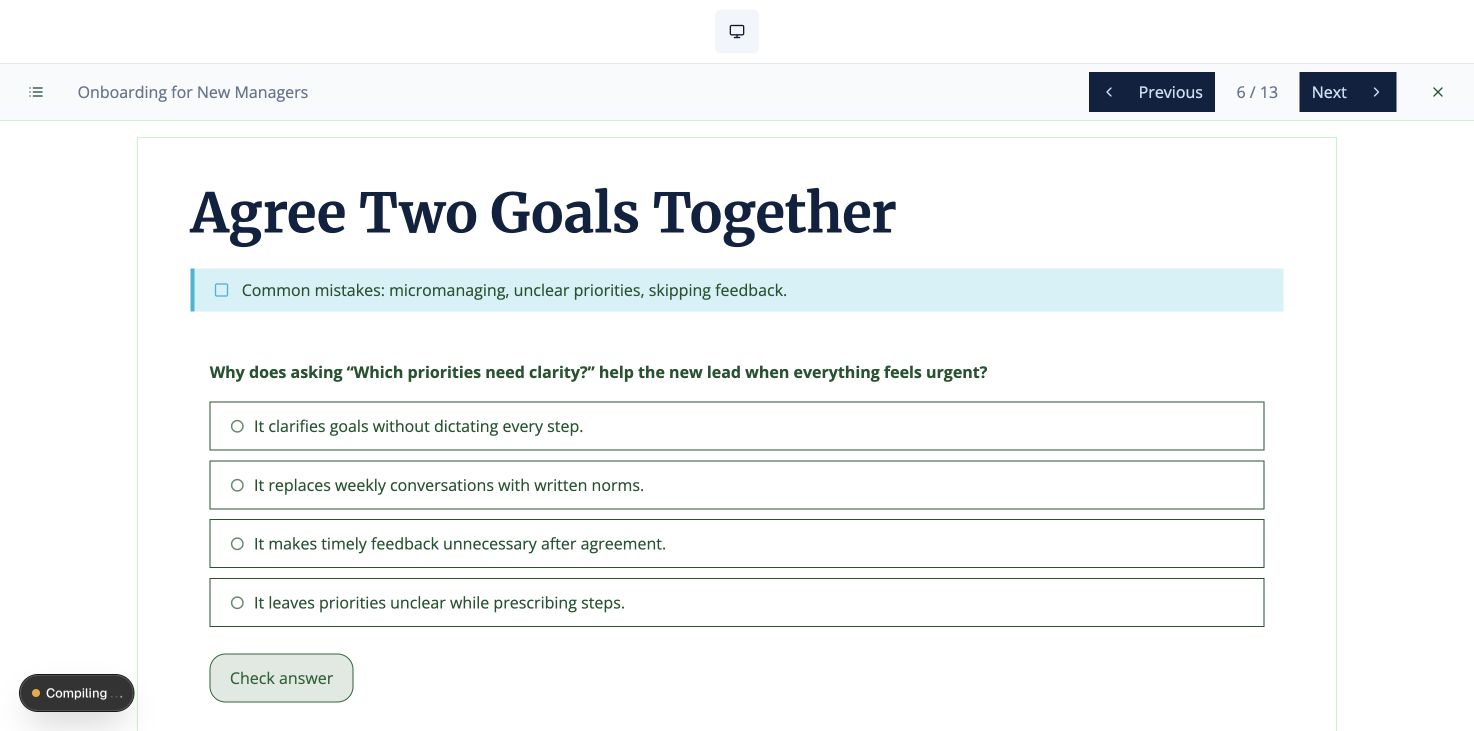
Change page 6’s heading to “Agree Two Goals Together”. Preserve everything else.
A targeted page change in the existing course, saved through Course Builder.
06 / Keep control
Try a change. Take it back.
Course editing should leave room to reconsider. Restore the previous page version through the existing history.
Undo the last change on page 6.
The previous page version returns. Reopen the course and continue from the saved result.
For learners
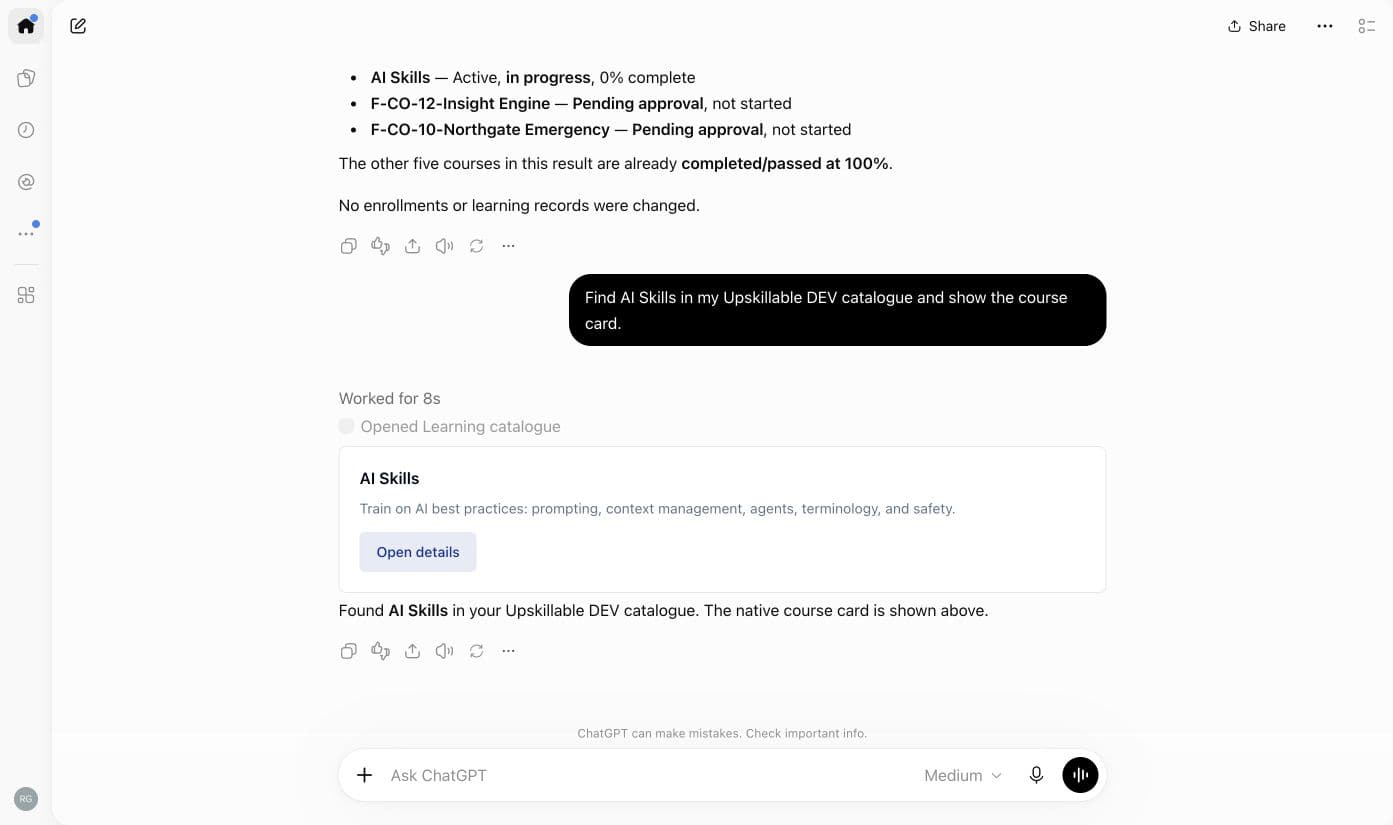
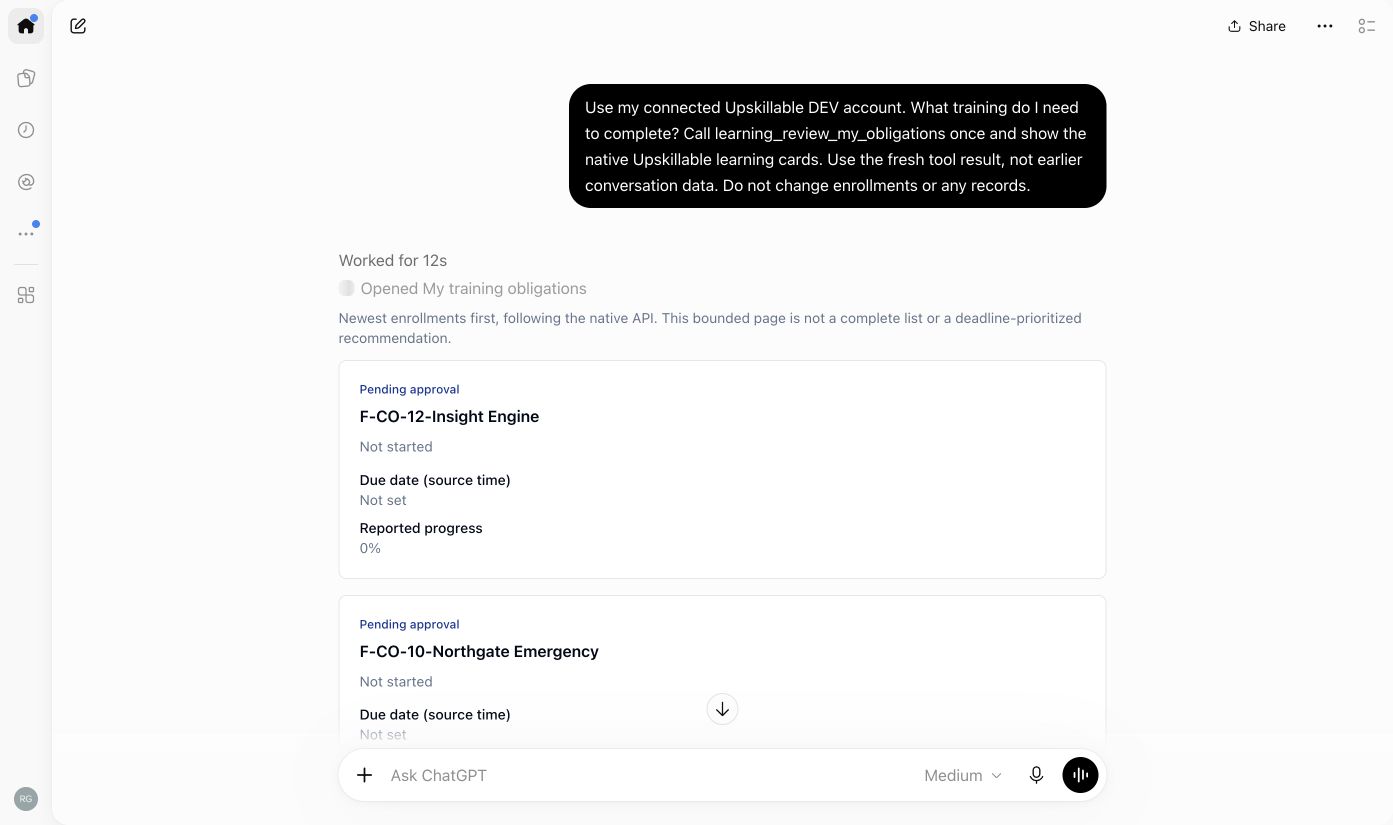
Find assigned learning and open your course.
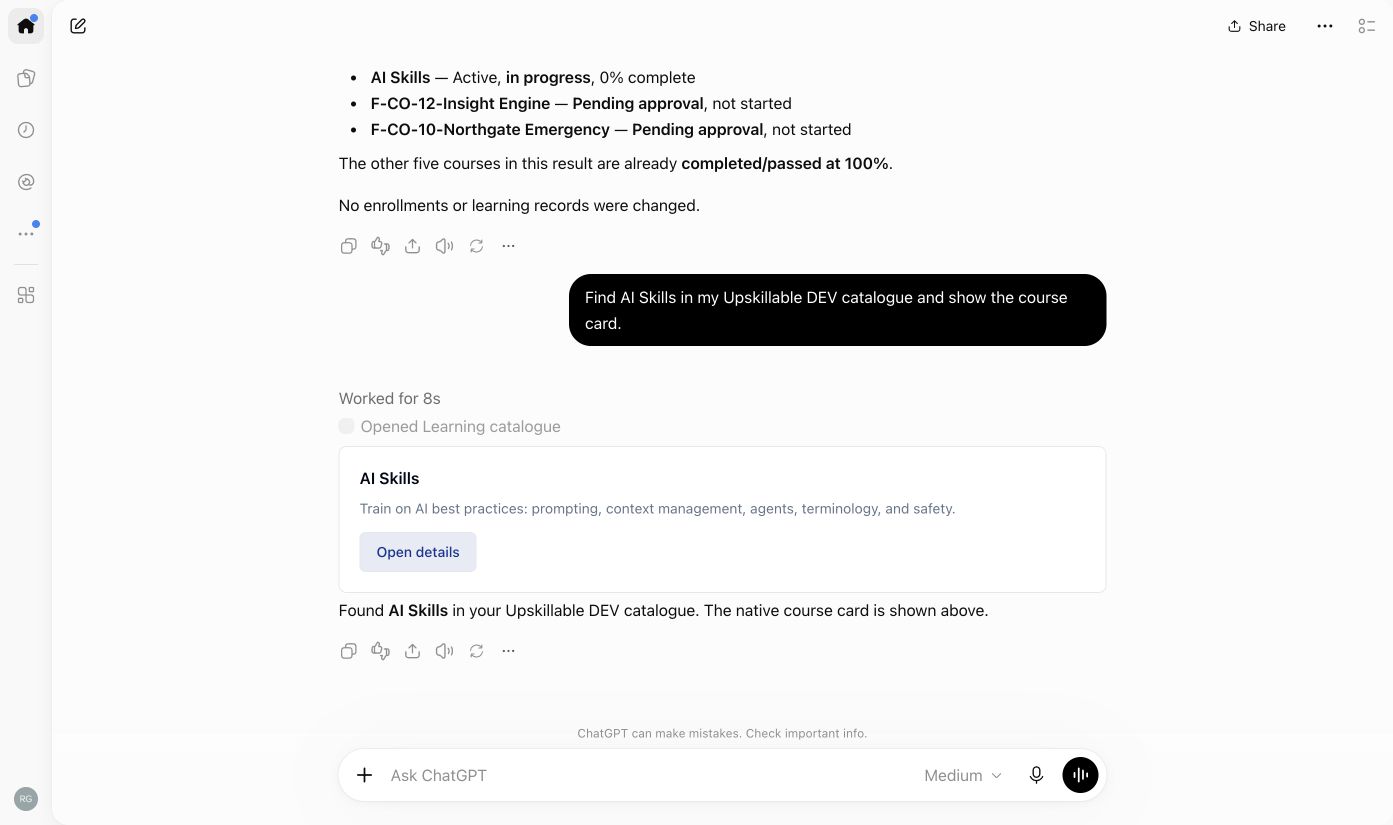
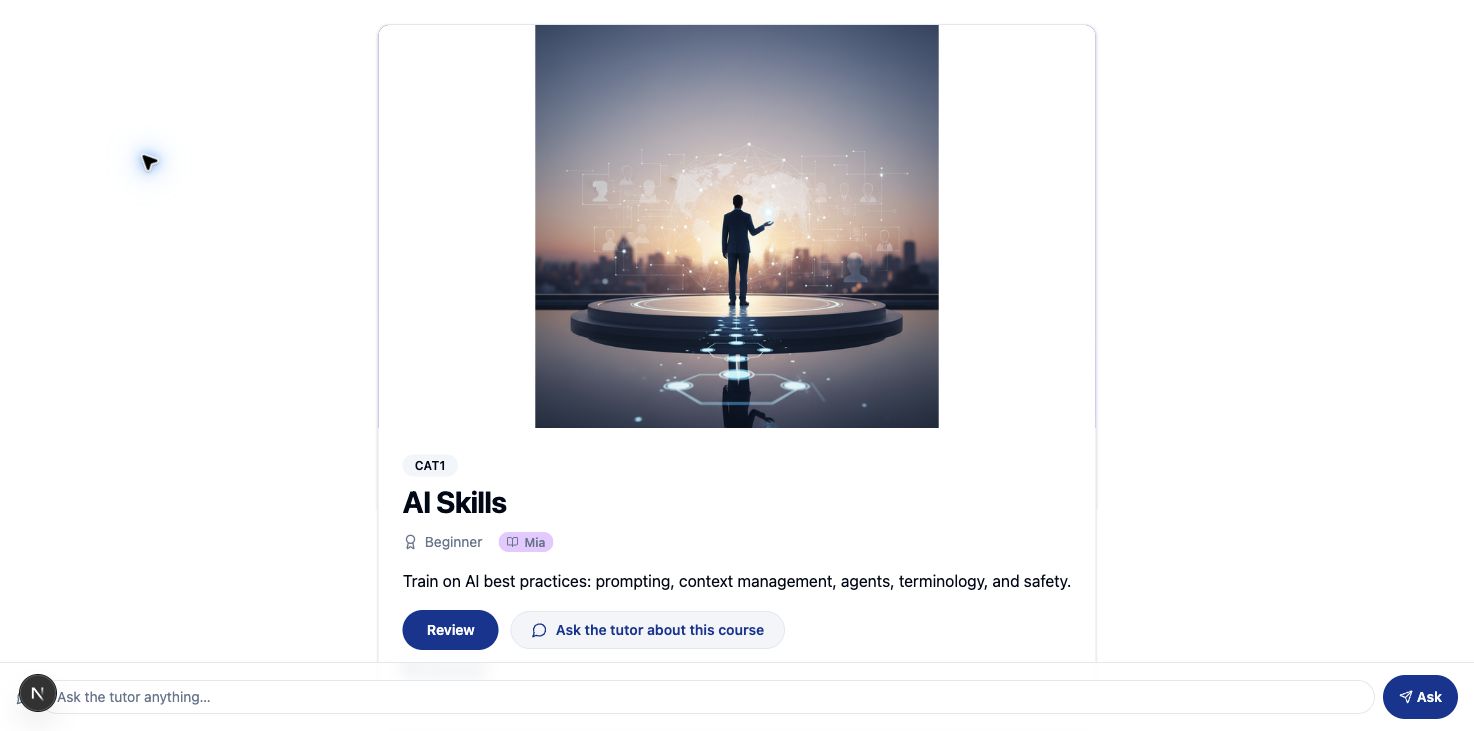
Ask about your assigned learning, find a course in the Upskillable catalog, and open its native course card. Access follows the signed-in learner.
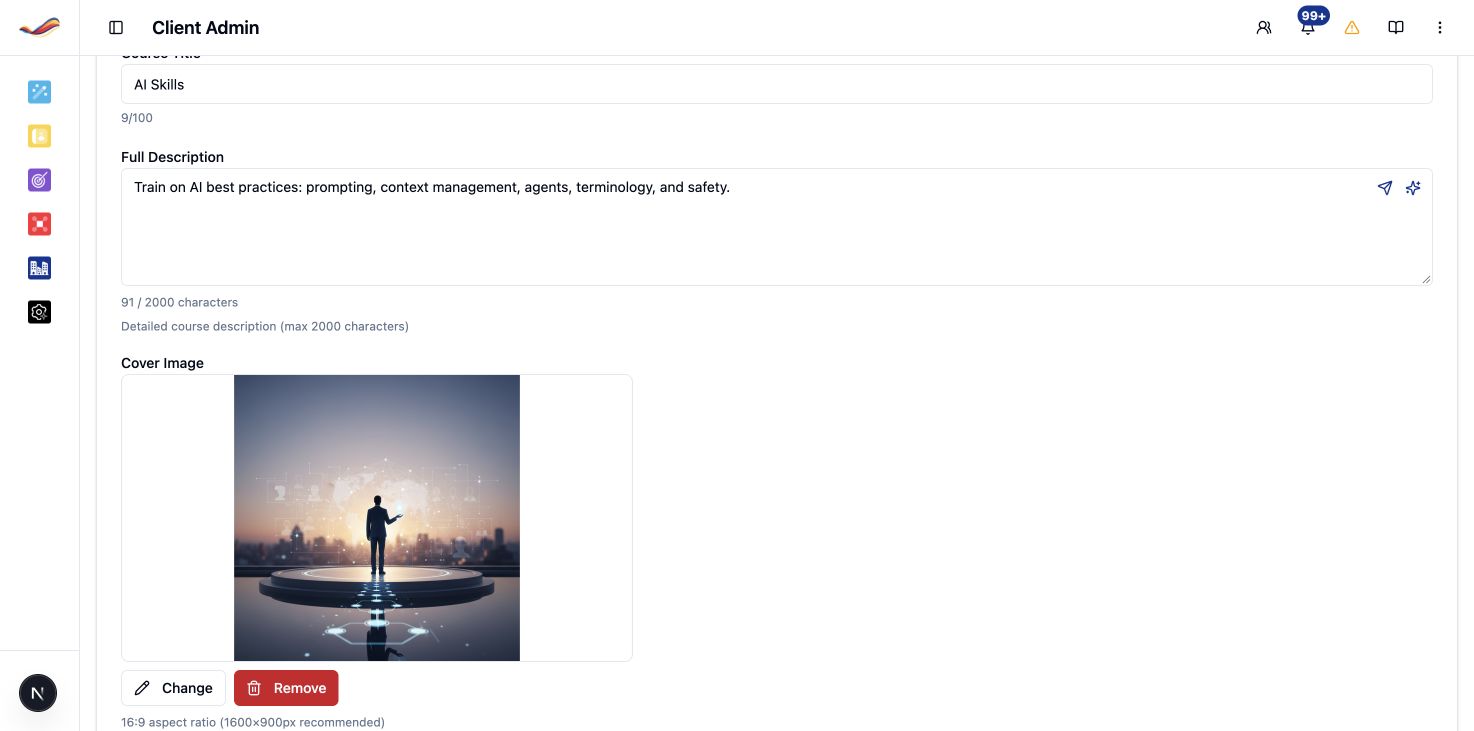
Explore the learner experienceWhat training do I need to complete? Find AI Skills in the catalog and show me the course card.
The native Upskillable learning card shows course details and how to continue.
The screenshots show real learner actions in ChatGPT and the matching Upskillable course experience.For administrators
Review who gets the course.
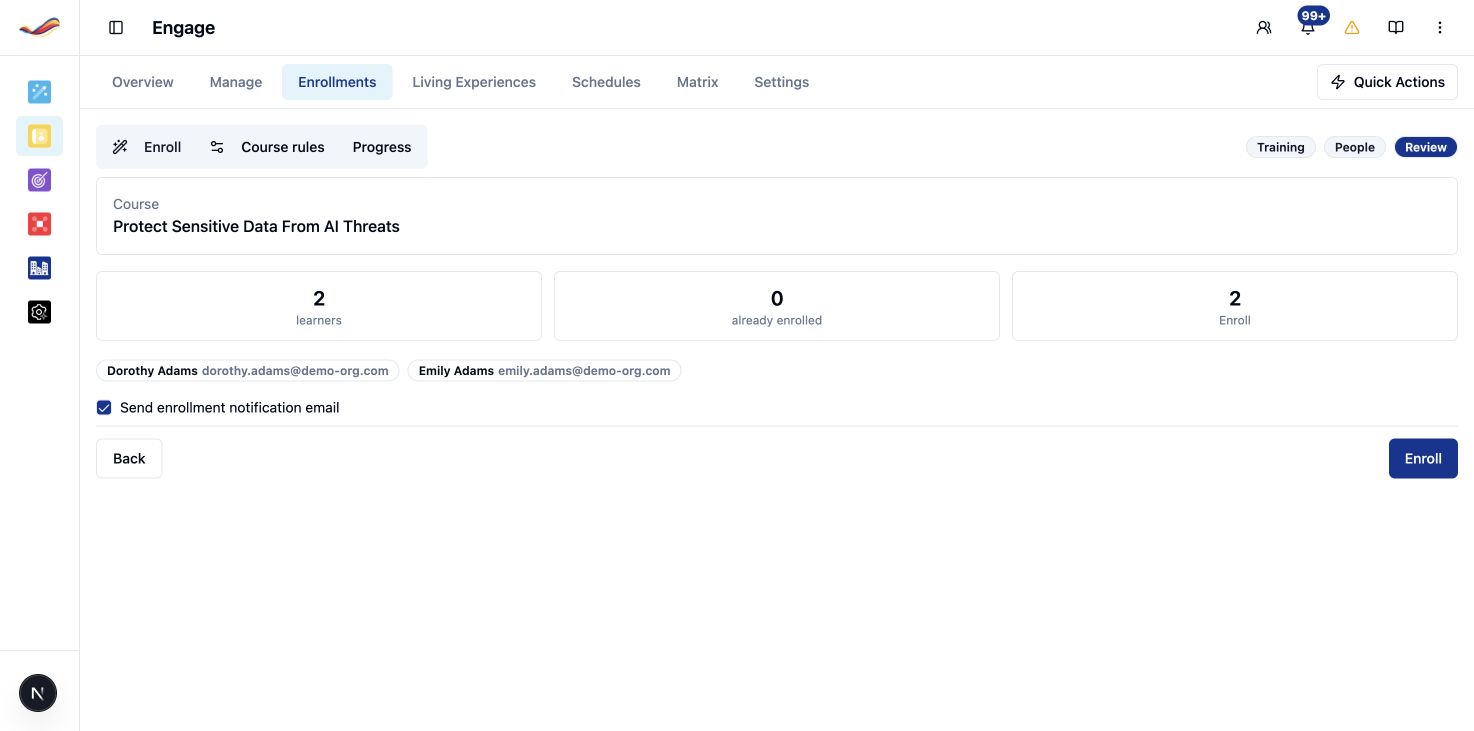
In Upskillable, an enrollment proposal brings the course and named learners into one review. Already-enrolled people are identified before approval.
Talk through your workflowWhich people are already enrolled? Who still needs this course?
Review the proposed learners, then approve through the existing enrollment workflow.
An enrollment proposal is a request for review. The administrator controls approval.Your workspace. Your decisions.
Keep learning connected to its controls.
Access follows the person.
Connecting an assistant does not give a learner administrator permissions.
The course stays native.
Open the course in Upskillable to continue with its existing learning experience.
Approval stays human.
Publication and enrollment approval remain deliberate decisions in the app.
The practical details.
What can learners do in ChatGPT?
Review assigned training and progress, find courses in the catalog, review certification records and ask the AI Coach about an enrolled course. Course cards link back to Upskillable.
What does WebMCP add inside Upskillable?
Page tools expose course setup, selected-source questions, outline drafting and build tracking in Generate. Course Builder tools list and read pages, apply Ask AI changes, request confirmation and undo a page change.
Who approves enrollment and publication?
An authorized administrator approves enrollment and publication in Upskillable. A proposal is a request for review; it is not a completed enrollment.
Where does the course live?
The course remains in Upskillable. Studio and Course Builder keep the editable content, and learners continue in the native course experience.
Bring the learning job. See the whole workflow.
From finding training to shaping a course, see how Upskillable connects the conversation to real learning work.
See it in a demo