Upskillable Release: October 2026
Build training people can put to work
Give an existing lesson a new layout without rewriting it. For teams in the Engage Signals private pilot, see when Signals last checked recent project activity and whether it found a next step backed by the evidence.
Switch the layout. Keep the lesson.
Refresh a lesson without rewriting it. In Course Builder, open the lesson page menu and choose Switch design. Select a compatible layout, then preview the same page to check how the headline, text and image read in the new arrangement.
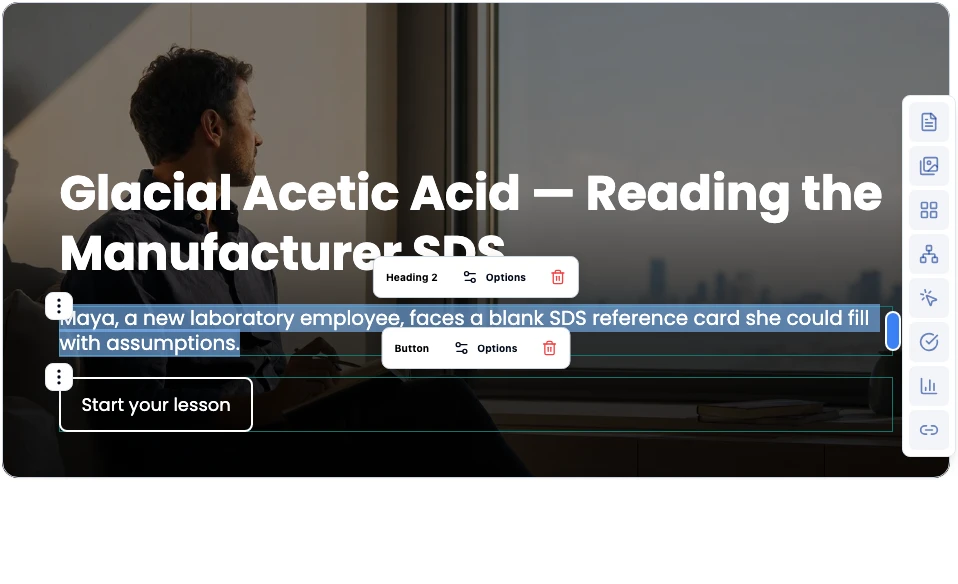
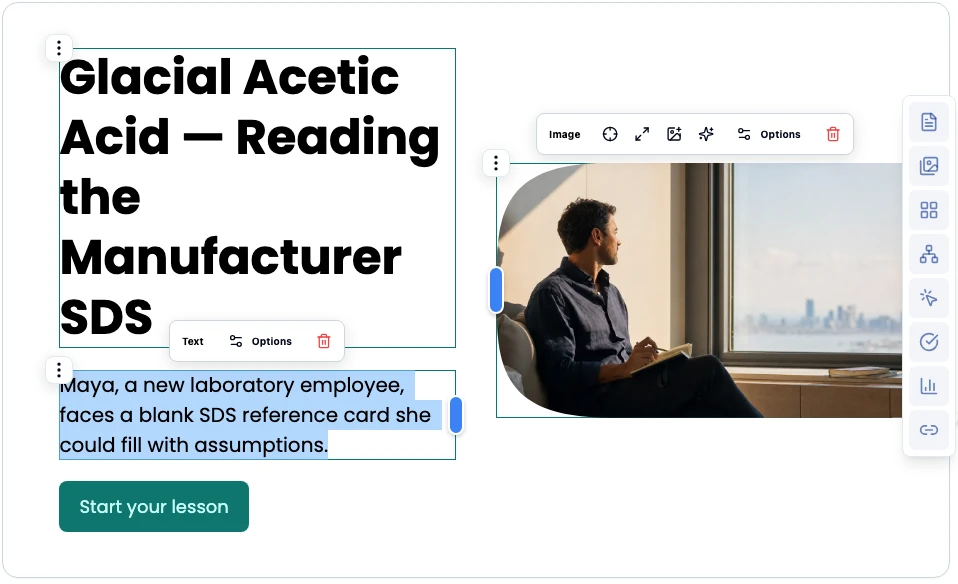
October brought nine new layouts for core instruction, tips and examples, and wrap-up. Choose a design that fits what learners need to do, from sorting examples to reflecting on what they’ll try next.
Build more interactive pages
Course Builder
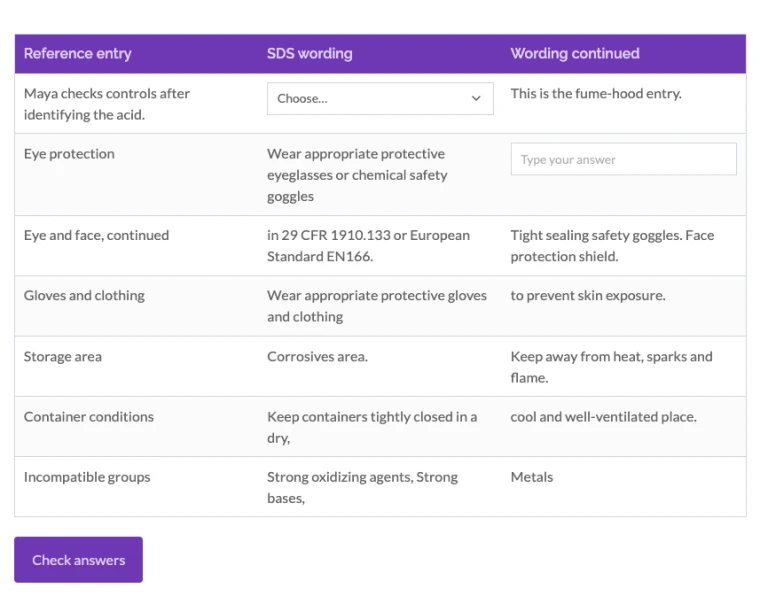
Turn reading into practice. Use a slider to ask for an estimate, a fill-in table to complete an example, or an image carousel to compare photos. Add a Fishbone diagram to explain root causes or a Decision Path to map a series of choices.
In a campaign-planning lesson, use a Fill-in Table to match an objective to a metric. Use a Decision Path to ask what to do when a campaign gets clicks but few qualified leads.
See when Signals last checked
Engage · Private pilot
See whether there’s a next step to review. In workspaces with Signals enabled, scheduled reviews check evidence from recent eligible projects.
Signals shows when the last check succeeded and tells you when the evidence doesn’t support a recommendation.