
Mid-November 2026
Upskillable Everywhere Hub
Bring existing courses into Upskillable, build new ones, and choose how people reach them. Move a course as a SCORM package, launch a connected experience from your LMS with LTI, or send eligible learners a direct course link.
Import SCORM 1.2 courses into Upskillable
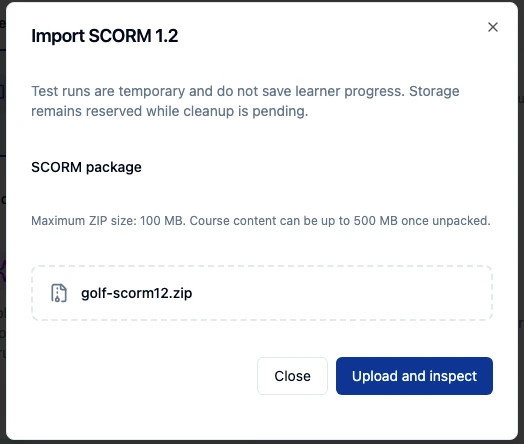
Have training built in another authoring tool? In Course Builder, choose Import SCORM 1.2 and select your SCORM 1.2 ZIP package. Open the imported course in the learner player and check that the lesson starts and its interactions work before assigning it.
Export an Upskillable course as SCORM 1.2
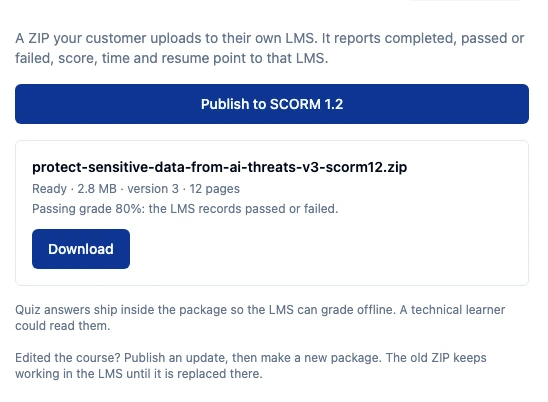
In Course details, open Share & export, choose Publish to SCORM 1.2, then select Download. Upload the ZIP to a compatible LMS and launch it as a learner there. Your team can author in Upskillable and deliver the packaged version through the LMS your learners already use.
Launch from your existing LMS with LTI 1.3
Your LMS team configures the LTI connection. Learners then select the course link in their existing LMS and open the connected Upskillable experience. Score or progress return depends on the result services the LMS supports and how they’re mapped.
Your LMS
Your people.
Your learning entry point.

Living learning
Your content. An AI Coach.
Practice in the flow of work.
Share a published course with eligible learners
The same link can take eligible learners from a team document to the published course and back to it when they’re ready to continue.
- In Course Builder, open Share course beside Preview and select Copy learner link.
- Paste the link where your team already works. The walkthrough uses a Google Doc.
- The learner opens the link and signs in if prompted. If they’re eligible and the course allows self-enrollment, they can choose Join & start course.
- Returning learners reopen the same link to continue the course.
Pick up where you left off on mobile
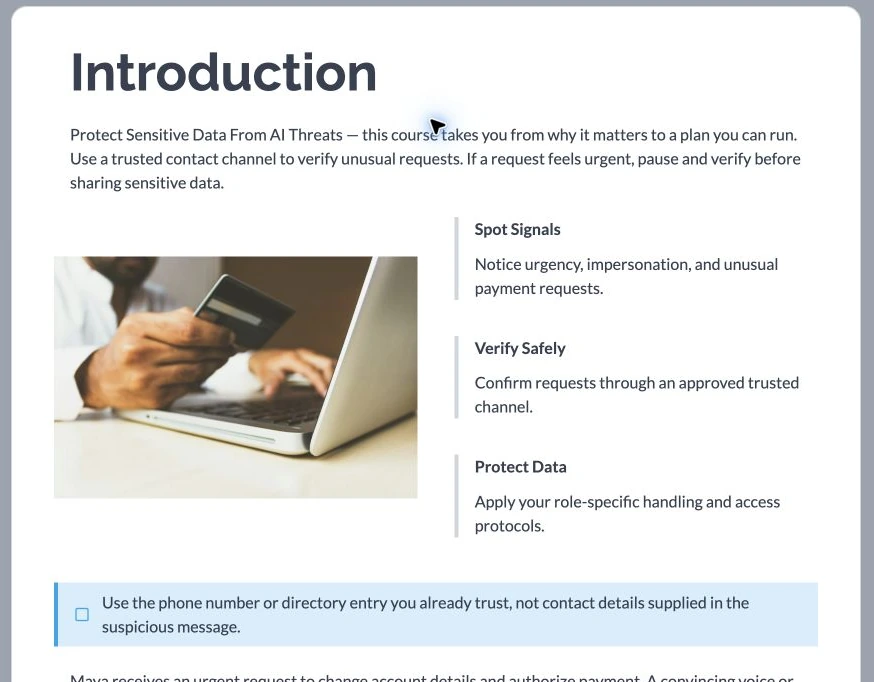
The mobile milestone is to reopen the same shared course in a phone browser and resume at the saved position. This is the journey we’ll show once it has been verified end to end.